
A keyboard system gives you more control over where your keyboard and mouse sit in relation to your body. Instead of adjusting your posture to match a fixed desktop, an adjustable keyboard tray can bring these frequently used tools into a position that better supports the way you work.
Proper keyboard placement can help keep the elbows closer to the body, shoulders relaxed, and wrists in a more neutral position while typing and using a mouse. It also allows the keyboard to sit independently from the height of the main work surface, which can be useful when a desk was not designed around the individual user.
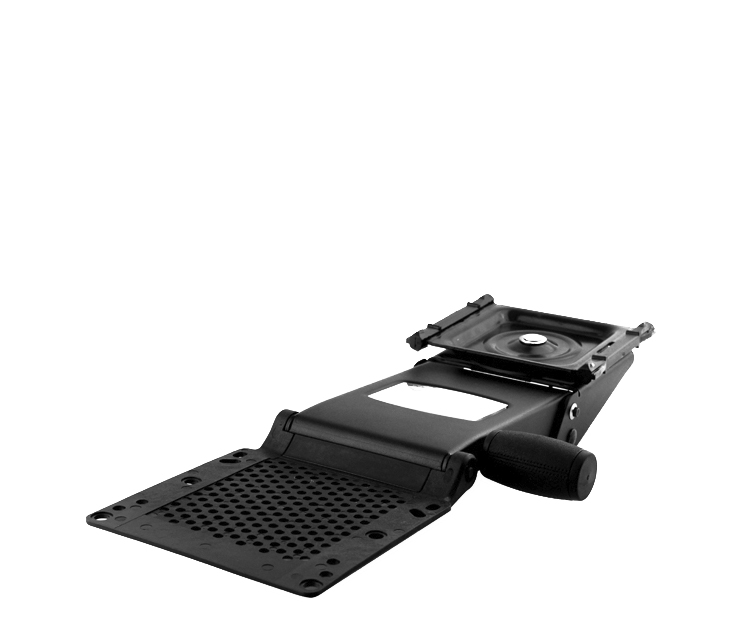
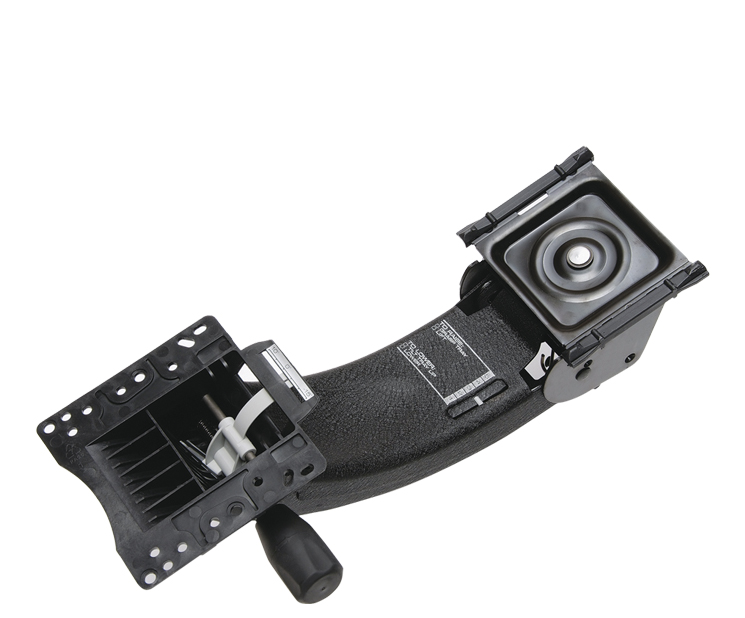
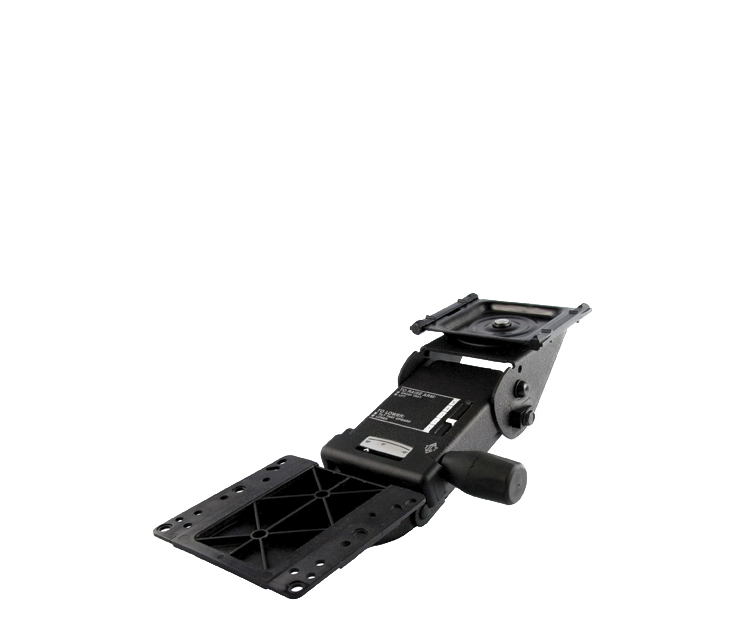
BodyBilt keyboard systems combine an adjustable mechanism with a keyboard tray to create a configuration suited to the workstation and user. They can also be paired with monitor arms and other ergonomic tools to create a more adjustable workspace.
BodyBilt Keyboard Mechanisms and Trays
What Does an Adjustable Keyboard Tray Do?
A standard desk places the keyboard wherever the desktop happens to be. That height may work for some users, but it can also require others to raise their shoulders, reach forward, or bend their wrists while typing.
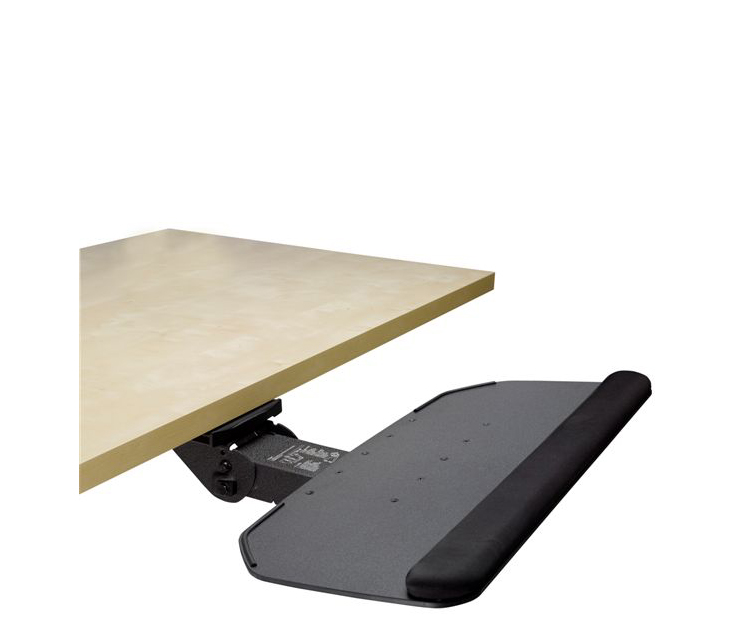
An under-desk keyboard tray separates keyboard position from desk height. Depending on the selected mechanism, the user gains greater control over the keyboard’s height, angle, and location beneath the work surface.
The mouse matters just as much. Repeatedly reaching sideways for a mouse can add unnecessary movement to a task performed hundreds of times during a workday. A keyboard tray with an integrated or adjustable mouse platform can keep both input devices closer to the user’s preferred working position.
Choosing the Right Keyboard Tray
BodyBilt offers three tray designs with distinct approaches to keyboard and mouse placement.
ErgoFunction Keyboard Tray
The ErgoFunction is a traditional keyboard platform measuring 27 inches wide by 11 inches deep. It provides room for both the keyboard and mouse on the same surface, making it a straightforward option for users who prefer a single, wide work platform.
This configuration can work particularly well for conventional keyboard and mouse setups where both devices need to remain at the same height.
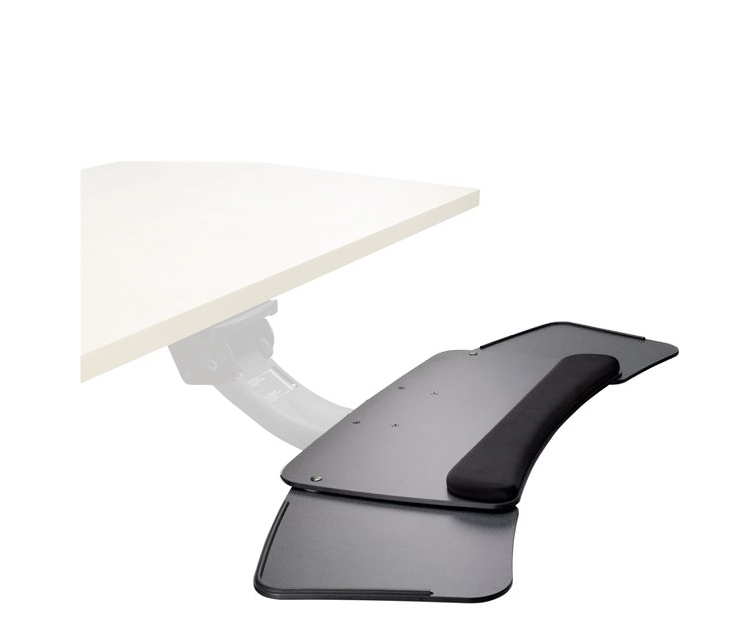
ErgoFluent Keyboard Tray
The ErgoFluent is designed with auxiliary mouse platforms that can extend from either side of the keyboard tray or store underneath it when they are not needed. This makes it particularly useful for workstations shared by left-handed and right-handed users or anyone who wants greater flexibility in mouse placement.
The auxiliary platforms can also provide additional working space when a mouse platform is not required.
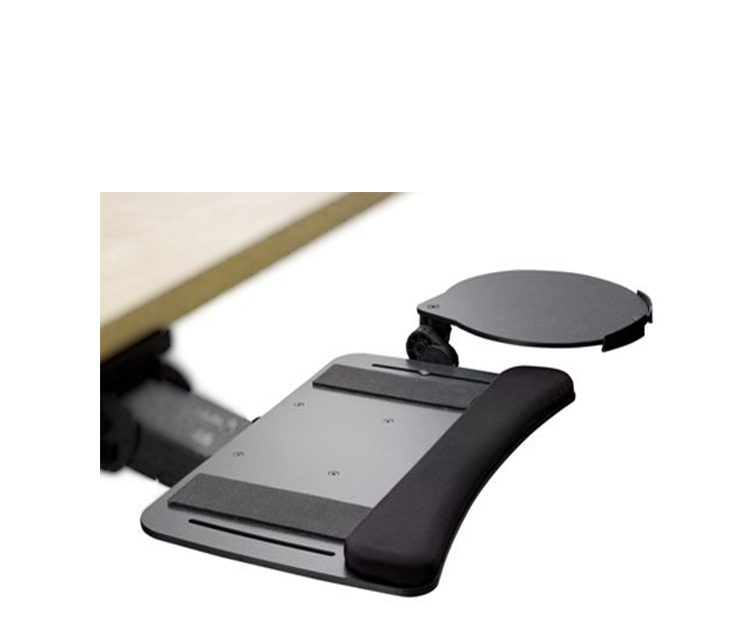
ErgoFlight Keyboard Tray
The ErgoFlight supports straight and split keyboards and uses a highly adjustable fly-over mouse platform. The mouse surface can be installed on the left or right and positioned above or below the keyboard tray. It can also move vertically, swivel, and rotate to accommodate different working positions.
This makes the ErgoFlight a strong option for users who need more independent control over keyboard and mouse positioning.
Keyboard Tray Comparison
| Keyboard Tray | Tray Style | Mouse Positioning | Best Suited For |
| ErgoFunction | 27″ x 11″ traditional platform | Keyboard and mouse share one surface | Straightforward keyboard and mouse setups |
| ErgoFluent | Keyboard tray with auxiliary platforms | Mouse platforms extend from either side | Left or right-handed users and shared workstations |
| ErgoFlight | Curved-edge keyboard platform | Adjustable fly-over platform mounts left or right | Users needing greater control over mouse placement |
Specifications above are based on BodyBilt’s published keyboard tray documentation.
What to Measure Before Choosing a Keyboard System
An adjustable keyboard tray needs enough room to operate beneath the desk. A few measurements before ordering can prevent problems during installation.
Desk Clearance
Inspect the underside of the work surface. Crossbars, drawers, cable management systems, storage components, and other hardware can interfere with the track or prevent the tray from retracting properly.
Keyboard Width
Measure the keyboard you actually use, including a number pad if applicable. Wider and specialty keyboards require more tray space than compact models.
Users with split keyboards should also confirm that the selected tray provides enough room for their preferred keyboard position. BodyBilt identifies the ErgoFlight as compatible with straight and split keyboards.
Track and Installation Space
The keyboard mechanism needs adequate space beneath the work surface for its mounting track. Check the depth and underside construction of the desk before selecting a mechanism.
A shallow desktop or workstation with obstructions underneath may limit installation options.
Mouse Space
Think about which hand operates the mouse and how much movement your daily tasks require. A shared workstation may need a system that can easily accommodate both left and right-handed users.
This is one area where the ErgoFluent and ErgoFlight offer additional positioning flexibility.
Understanding Keyboard Height, Negative Tilt, and Swivel
Small adjustments can make a noticeable difference when someone types for hours each day.
Keyboard Height
The keyboard should generally sit at a height that allows the shoulders to remain relaxed and the elbows to stay close to the body. If the tray is too high, the user may raise the shoulders. If it is too low, the user may lean or reach downward.
Negative Tilt
Negative tilt positions the front edge of the keyboard slightly higher than the rear, allowing the keyboard to slope away from the user. For some workstation configurations, this can help the wrists remain straighter instead of bending upward while typing.
The goal is not to create the steepest possible angle. Adjust the tray around a comfortable hand and wrist position.
Swivel Range
A swiveling keyboard system can help position the keyboard around the user instead of forcing the user to remain centered around a fixed keyboard location. This can be particularly useful at corner workstations or desks where the primary work area changes throughout the day.
Left and Right-Handed Mouse Positioning
Mouse placement should minimize unnecessary reaching. Keep the mouse close enough that the upper arm can remain near the torso during normal use.
BodyBilt’s ErgoFluent provides auxiliary platforms on either side, while the ErgoFlight’s mouse platform can be positioned for left or right-handed operation.
Keyboard Systems for Sit-Stand Workstations
Keyboard positioning remains important when a workstation moves between seated and standing heights.
A height-adjustable table changes the height of the entire work surface, while an adjustable keyboard system gives the user additional control over the keyboard and mouse position. Used together, these adjustments can help accommodate different tasks and working positions throughout the day.
Monitor height should change along with keyboard positioning. Pairing the workstation with an adjustable monitor arm can provide greater control over both viewing and input-device placement.
Keyboard System Installation Checklist
Before installing an under-desk keyboard tray, confirm:
- The desk has adequate underside clearance. Check for drawers, support bars, cables, and other obstructions.
- The work surface can accept the mounting hardware. Follow the installation requirements for the selected mechanism.
- There is enough depth for the track. Measure before drilling or attaching hardware.
- The tray fits the keyboard. Include the number pad or other permanently attached keyboard components in your measurement.
- Mouse placement matches the user. Decide whether the mouse should sit on the left, right, or on the same platform as the keyboard.
- The tray can move through its full adjustment range. Test height, tilt, swivel, and retraction before finalizing the setup.
- The workstation works as a complete system. Check keyboard, mouse, monitor, desk, and office seating together rather than adjusting each component in isolation.
Create a Keyboard Setup That Fits Your Work
A keyboard system should make frequently used equipment easier to reach and adjust, not add complexity to the workstation. BodyBilt offers several mechanisms and tray configurations so users can match keyboard and mouse placement to their desk, equipment, handedness, and daily tasks.
Building multiple workstations or unsure which mechanism and tray combination fits your desk?
FAQ
An ergonomic keyboard tray is an adjustable platform that positions the keyboard independently from the main desktop. It can provide greater control over keyboard height, angle, and placement so users can maintain a more comfortable typing position.
Measure the available depth and clearance underneath the work surface and check for drawers, support beams, cables, or other obstructions. The desk also needs to accommodate the mounting requirements and track length of the selected keyboard mechanism.
Negative tilt angles the keyboard slightly away from the user rather than raising its rear edge. This positioning can help some users maintain a straighter wrist position while typing when the tray is adjusted to an appropriate height.
Look for a keyboard tray that allows the mouse platform to be positioned on the left. BodyBilt’s ErgoFluent provides auxiliary platforms on either side, while the ErgoFlight offers a mouse platform that can be configured for left or right-handed use.
A keyboard tray can be used with compatible height-adjustable desks when there is sufficient mounting and movement clearance beneath the work surface. The keyboard height should be checked in both seated and standing positions so the workstation remains comfortable throughout the desk’s adjustment range.