
Some workplaces never stop. 911 dispatch centers, control rooms, security operations, call centers, monitoring facilities, utilities, and other continuous operations may use the same workstation across multiple shifts every day.
That creates different demands from a traditional office environment.
An intensive-use office chair needs to accommodate multiple users, frequent adjustments, extended periods of seated work, and considerably more daily use than a chair assigned to one employee. Durable construction matters, but so does the ability for each person to quickly adjust the chair to their body and workstation.
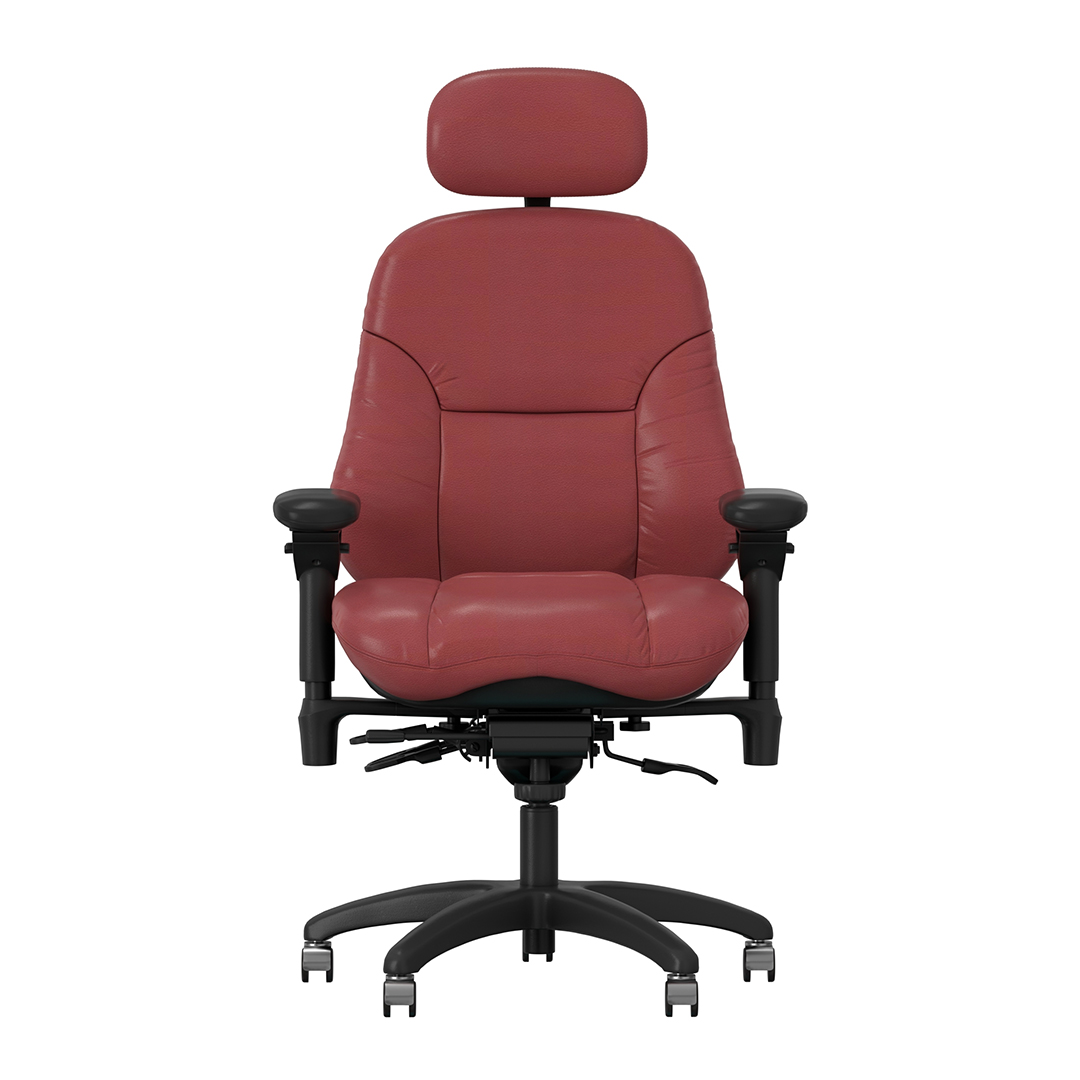
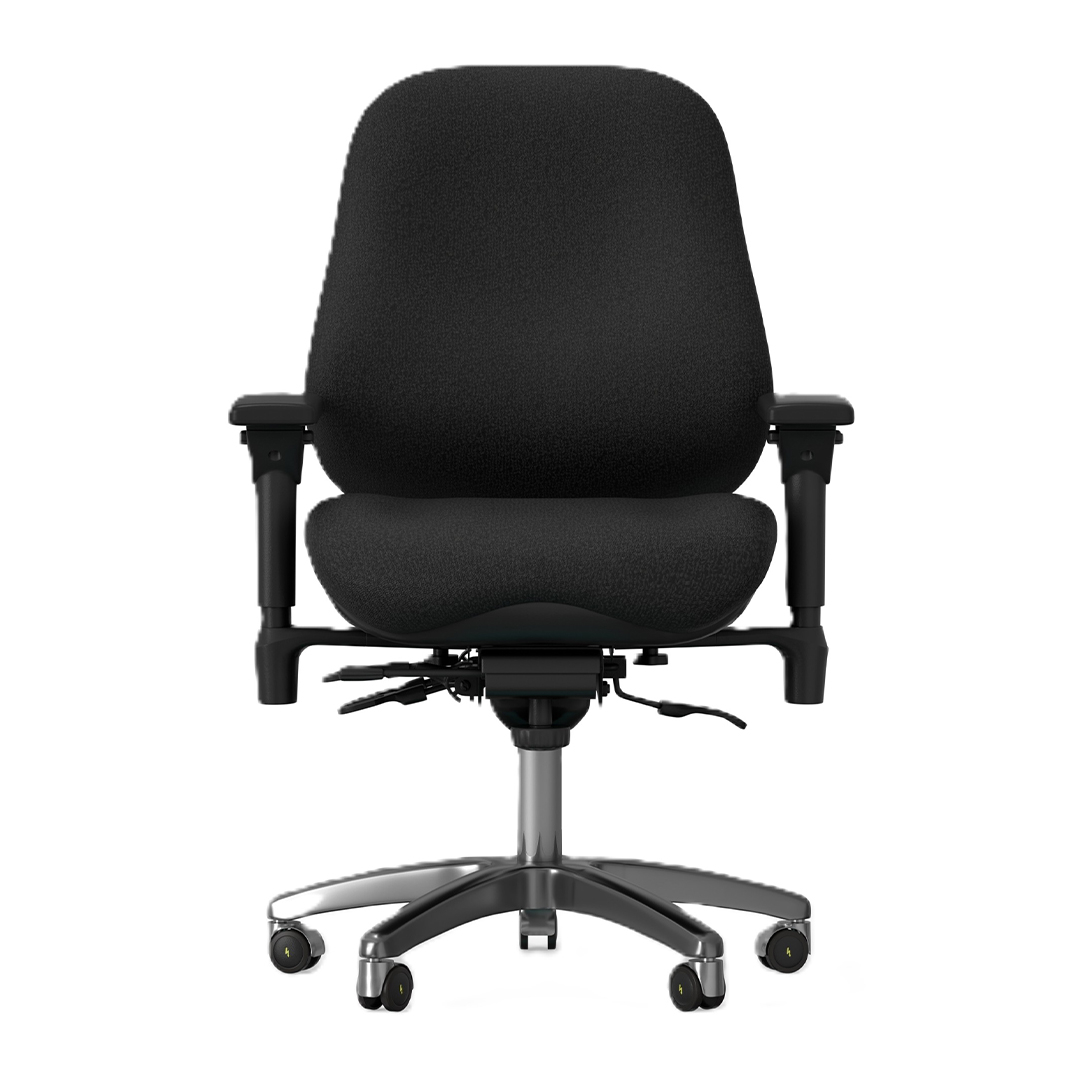
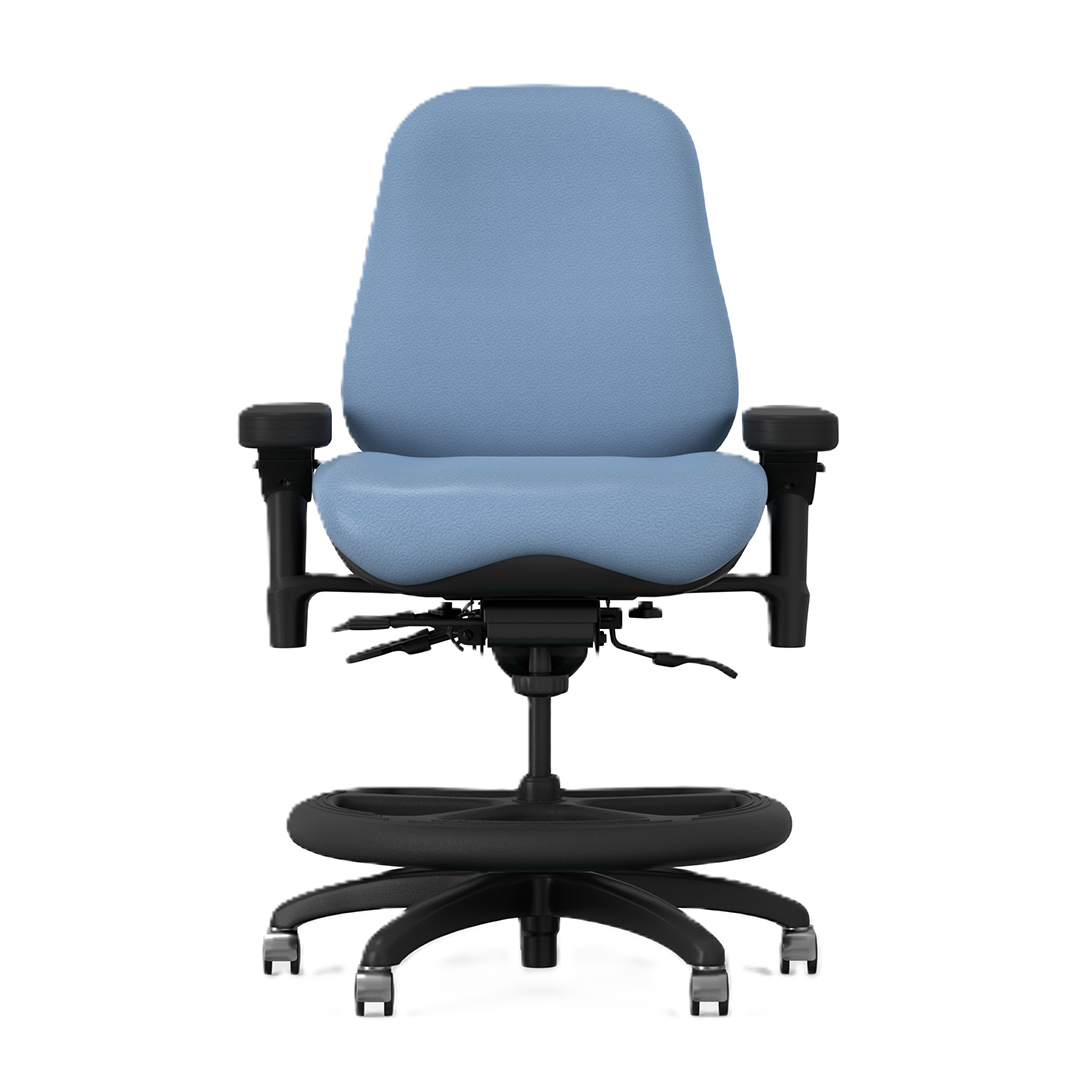
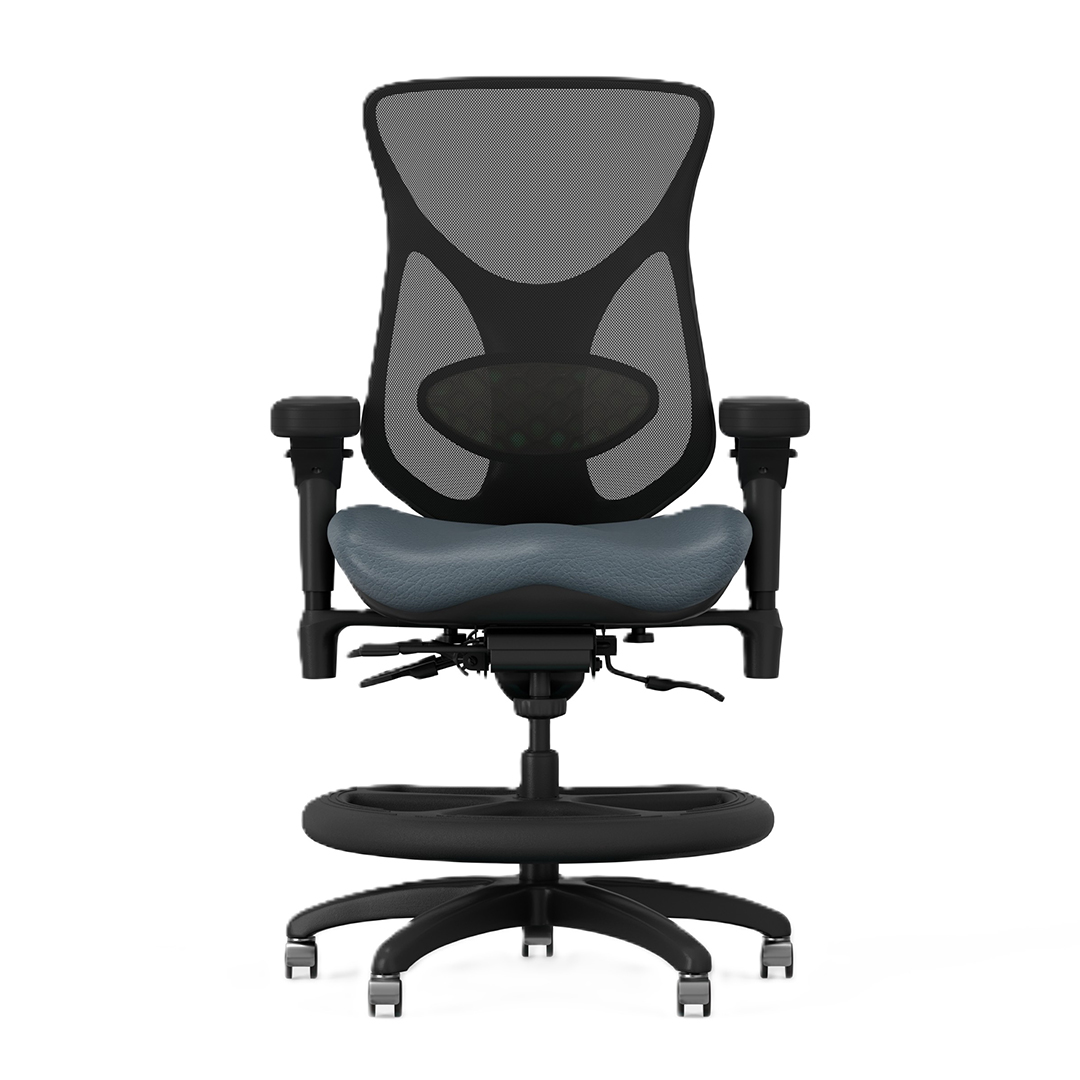
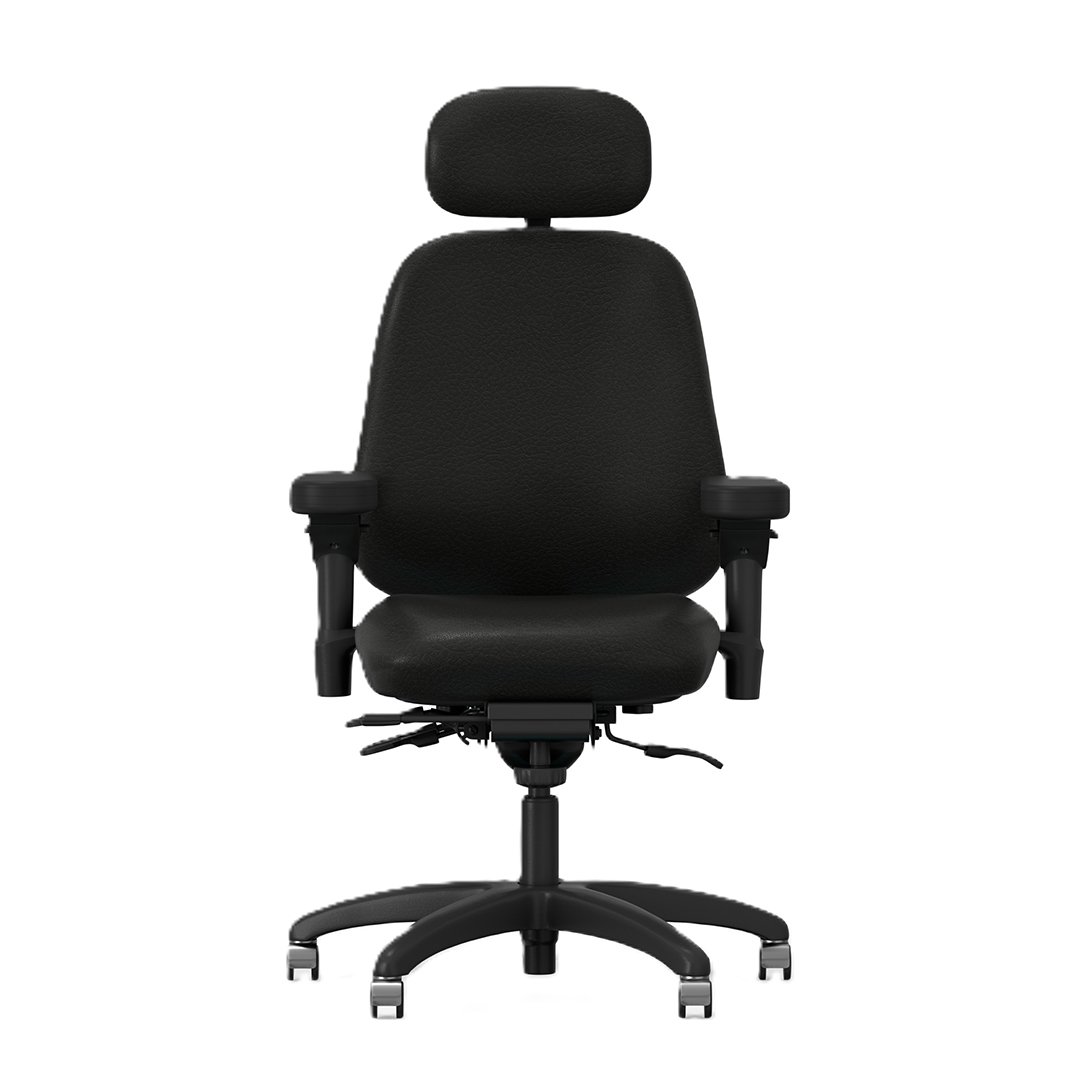
BodyBilt intensive-use seating is designed specifically for these demanding environments. The NEXT24 and 24/7 seating families combine heavy-duty components with adjustable support and multiple chair configurations for workplaces where seating performance matters around the clock.
See Our Featured Intensive-Use Chairs
.jpg)
What Makes an Office Chair Suitable for Intensive Use?
Intensive use can mean two different things.
For an individual employee, it may mean spending long portions of a shift seated at a workstation. For the organization, it can mean a chair being used by several employees across consecutive shifts.
A 24-hour office chair needs to account for both.
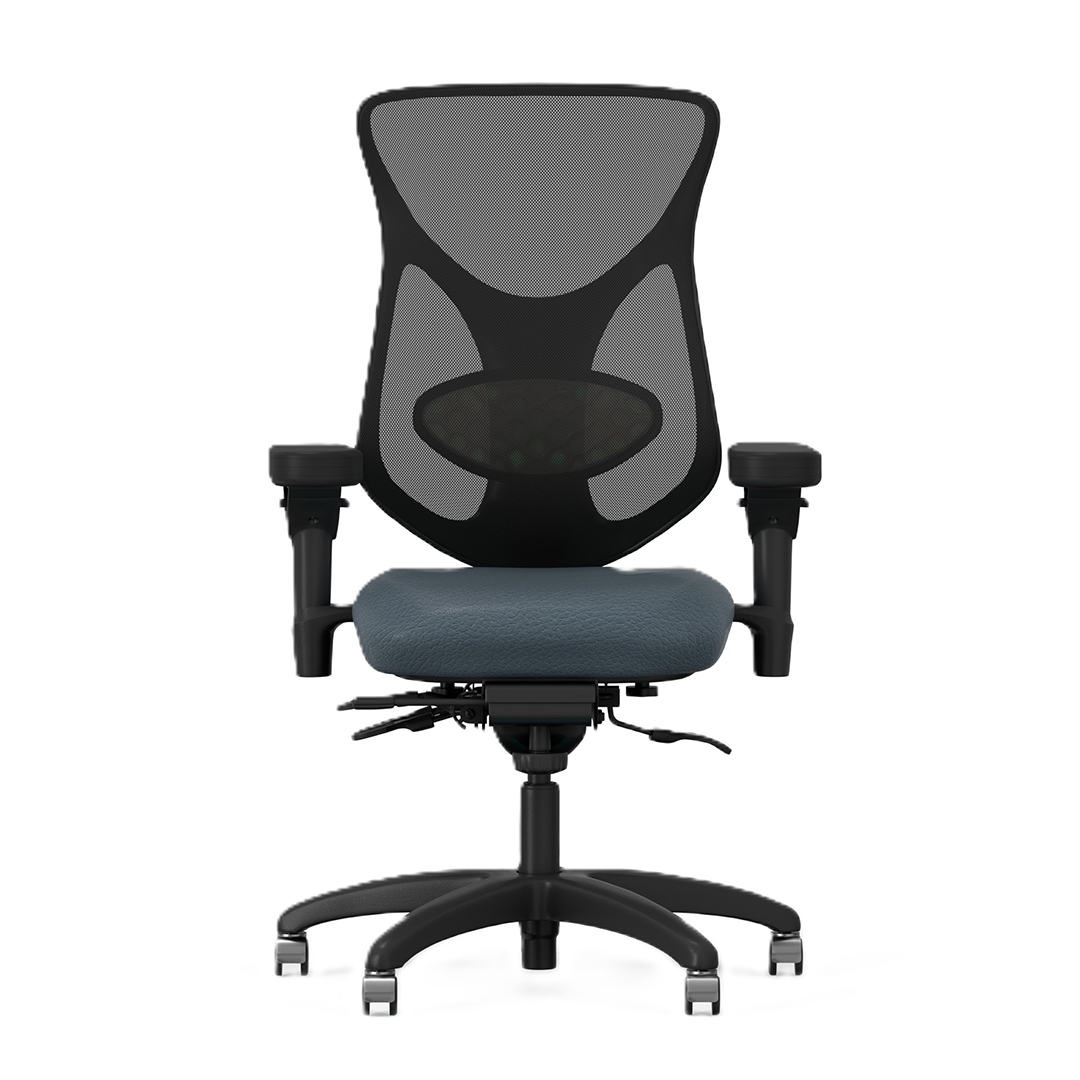
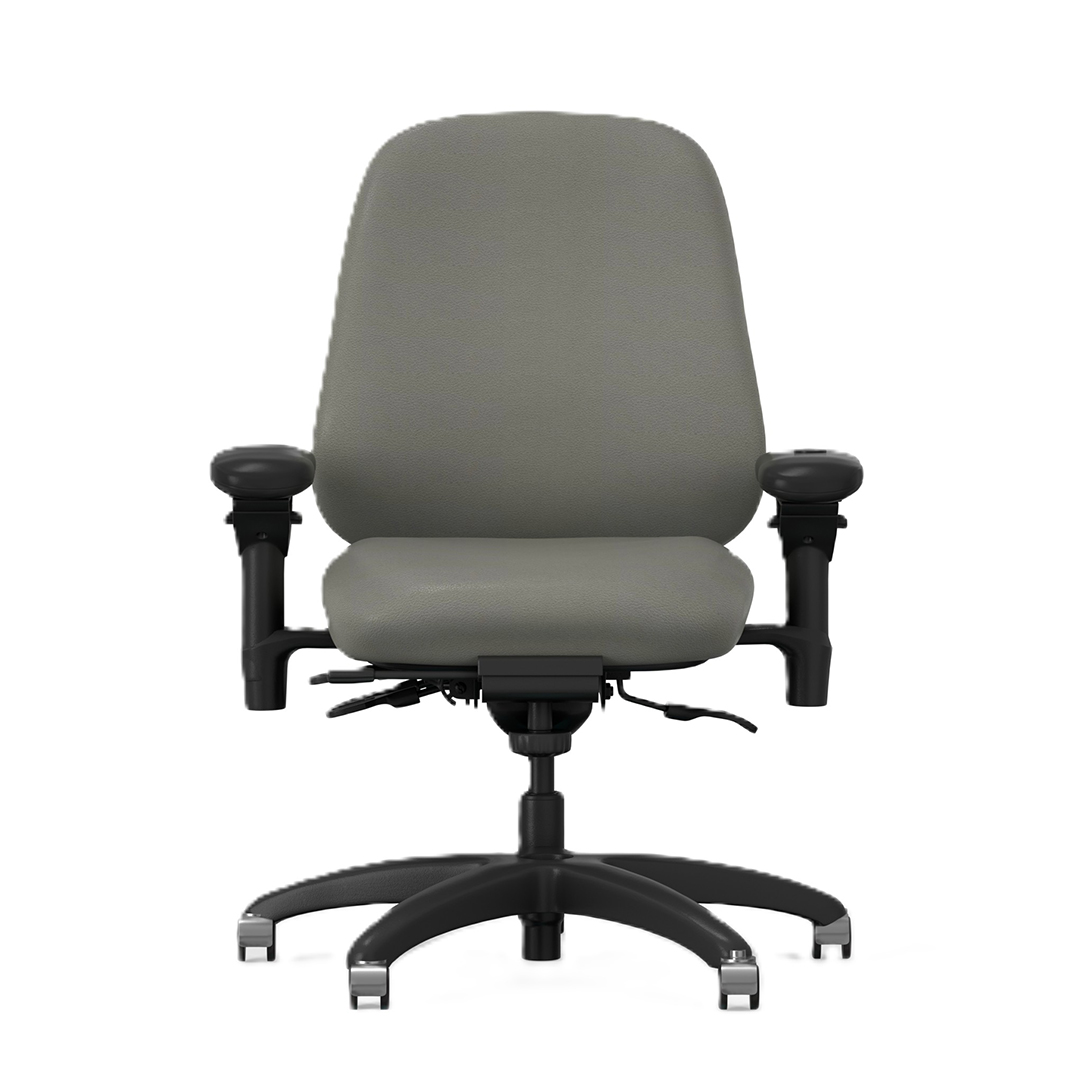
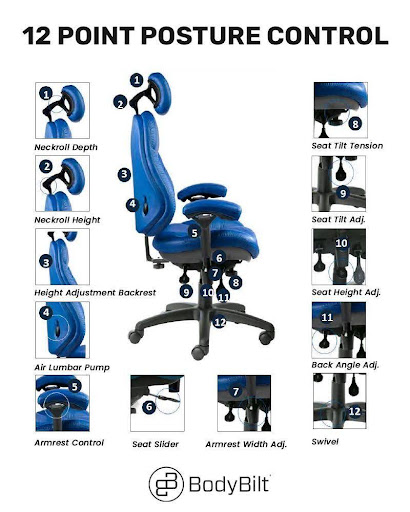
BodyBilt intensive-use chairs incorporate features intended for demanding, multi-shift applications, including intensive-use mechanisms, heavy-duty cylinders, reinforced construction on applicable models, adjustable back and lumbar support, multiple seat configurations, and heavy-duty arm options.
Rapid adjustment is particularly important in shared workstations. A chair that fits the first shift may be completely wrong for the person arriving on the second. Users should be able to adjust the seat, back, lumbar support, and arms without turning the beginning of every shift into a lengthy setup process.
24/7 Seating for 911 Dispatch Centers
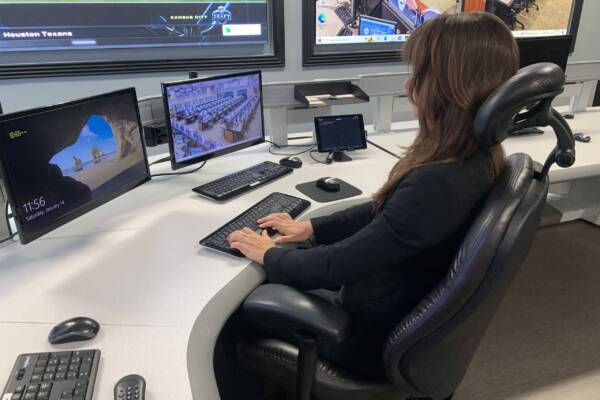
A 911 dispatcher may spend much of a shift working across multiple screens, communication systems, keyboards, and other equipment while remaining immediately available to respond.
The chair needs to support that working environment.
BodyBilt intensive-use seating gives dispatch centers access to highly adjustable chairs designed for multi-shift use. Seat depth, lumbar support, back position, arm placement, and seat size can be selected or adjusted to accommodate different users sharing the same workstation.
Monitor and input-device placement should be considered alongside the chair. BodyBilt monitor arms and keyboard systems can provide additional workstation adjustability where dispatchers use complex multi-screen setups.
For procurement teams furnishing an entire dispatch center, chair selection should account for the range of employees using each station rather than fitting the seating to a single person.

Control Room Chairs for Continuous Operations
Control rooms in utilities, transportation, manufacturing, energy, network operations, and other critical environments can operate continuously.
Seating in these facilities may be occupied for far more hours each day than seating in a conventional office. Chairs can also be adjusted repeatedly as operators rotate between shifts.
BodyBilt’s NEXT24 seating is designed for this type of multi-shift application, with intensive-use mechanisms and heavy-duty components available across the line.
Adjustability remains just as important as durability. Control-room operators may differ significantly in height, body proportions, and preferred working position. A chair should allow each operator to establish an appropriate seat height, seat depth, back position, lumbar position, and arm placement before beginning a shift.
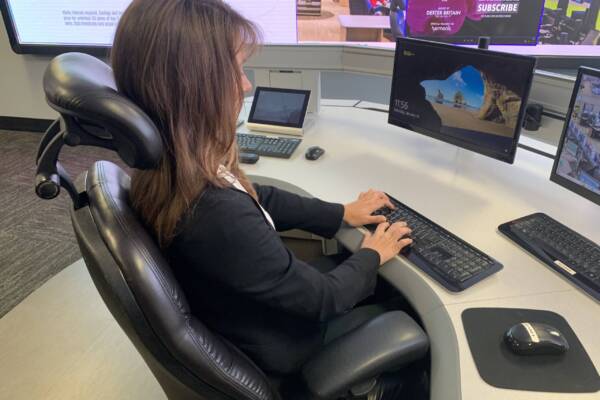
Security Operations and Monitoring Facilities
Security command centers and monitoring facilities often combine extended seated work with multiple displays, communication equipment, and periods of sustained visual attention.
A chair used in this environment should make it easy for different employees to establish a comfortable position without interfering with access to equipment.
BodyBilt intensive-use chairs offer multiple seat configurations and adjustable features for shared workstations. For environments using several displays, pairing the chair with adjustable monitor arms can also help accommodate users of different heights as shifts change.
Organizations operating around the clock should evaluate the chair and workstation together. Screen position, console height, keyboard placement, equipment access, and seating all influence how comfortably the station can accommodate multiple operators.
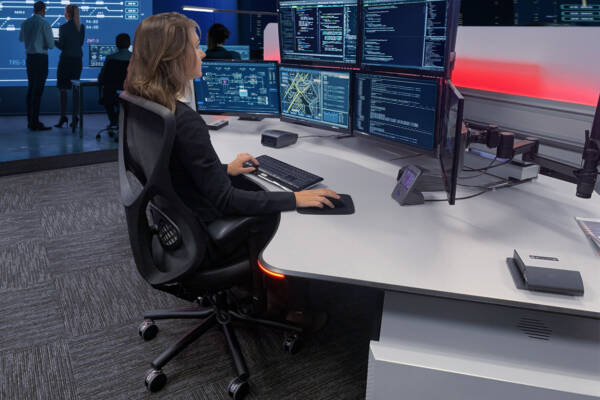
Intensive-Use Chairs for Call Centers
Call centers can place a different kind of demand on seating. Individual employees may remain at their stations for much of a shift, while some facilities operate multiple shifts and share desks between employees.
A highly adjustable chair allows users to adapt a shared workstation more quickly.
Seat depth is especially worth considering. Employees of different heights may require different seat dimensions or depth settings to receive appropriate thigh support while sitting against the backrest.
Adjustable armrests can also help users position their arms for keyboard and mouse work without forcing the shoulders upward or requiring unnecessary reaching.
For call centers operating conventional business hours rather than continuous shifts, BodyBilt office seating may also be appropriate. Intensive-use seating becomes particularly relevant when chairs face extended daily use, multiple shifts, or unusually demanding operating conditions.
Seating for Network and Monitoring Centers
Network operations centers, transportation monitoring facilities, emergency coordination centers, and similar workplaces often need employees to remain at complex workstations for extended periods.
These environments can also involve different employees using the same station over a 24-hour period.
An intensive-use chair should make user changes straightforward. Employees should be able to adjust the chair at the beginning of a shift without requiring tools or specialist assistance for routine settings.
BodyBilt’s NEXT24 seating provides adjustment for areas such as back height, back angle, seat depth, seat height, and lumbar positioning, depending on the selected configuration.
The result is seating that can adapt to the workforce instead of requiring every operator to use the chair in the same position.
Important Features in a 24-Hour Office Chair
Heavy-Duty Construction
A chair used continuously experiences more adjustments, more loading and unloading, and more overall wear than a typical individually assigned office chair.
BodyBilt intensive-use configurations use components selected for these applications, including heavy-duty cylinders and intensive-use mechanisms. Applicable 24/7 models also incorporate steel bracing within the seat pan.
Durability claims should always be evaluated against the specifications of the individual model rather than assuming every chair is constructed identically.
Adjustable Lumbar Support
Different users need support in different positions.
Available BodyBilt intensive-use configurations include adjustable lumbar positioning, with Air Lumbar available on NEXT24 models. This gives users greater control over how the lower-back area of the chair feels during a shift.
Lumbar support should feel supportive rather than forceful. Each new user should take a moment to adjust it rather than simply inheriting the previous operator’s setting.
Seat-Depth Adjustment
Seat depth affects how well the seat supports the thighs while allowing the user to sit against the backrest.
BodyBilt NEXT24 models provide seat-depth adjustment, while different seat configurations can accommodate a broader range of body dimensions.
This becomes particularly useful in multi-user environments where one chair may need to accommodate several employees over the course of a day.
Adjustable Arms
Armrests can help support the upper body during keyboard, mouse, communication, and console work.
BodyBilt intensive-use configurations offer heavy-duty arm options designed for demanding applications. Arm positioning should allow the user’s shoulders to remain relaxed while keeping frequently used equipment within comfortable reach.
Multiple Seat Sizes
A single seat size may not accommodate an entire multi-shift workforce.
The NEXT24 line includes standard, flat, petite, and Big & Tall seating configurations across applicable models. Selecting the right mix can help facilities accommodate a broader range of employees rather than expecting extreme differences in body size to be solved through adjustment alone.
Components Designed for Intensive Use
Facility managers should consider how easily a chair can be maintained over its service life.
Mechanisms, cylinders, casters, arms, cushioning, and upholstery all experience wear in continuous-use environments. Before standardizing on a chair, procurement teams should review warranty coverage, replacement-component availability, service requirements, and current product documentation with BodyBilt.
Compare BodyBilt Intensive-Use Seating
| Seating Option | Key Features | User Fit | Recommended Applications |
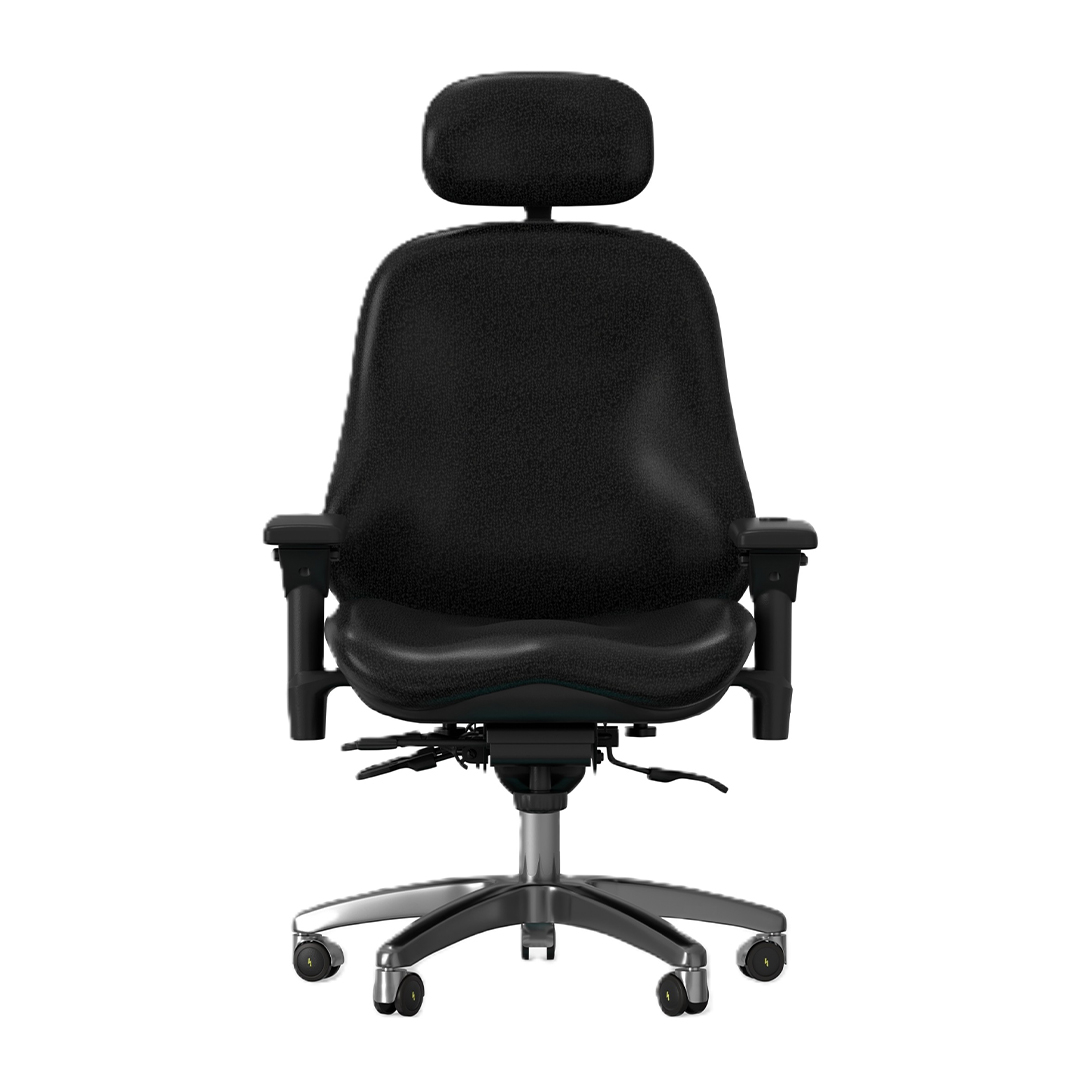
| NEXT24 3500 Series | Executive-height back, intensive-use mechanism, heavy-duty cylinder, adjustable lumbar, SKYDEX seating | Standard and Big & Tall configurations available | Dispatch centers, control rooms, security operations, monitoring facilities |
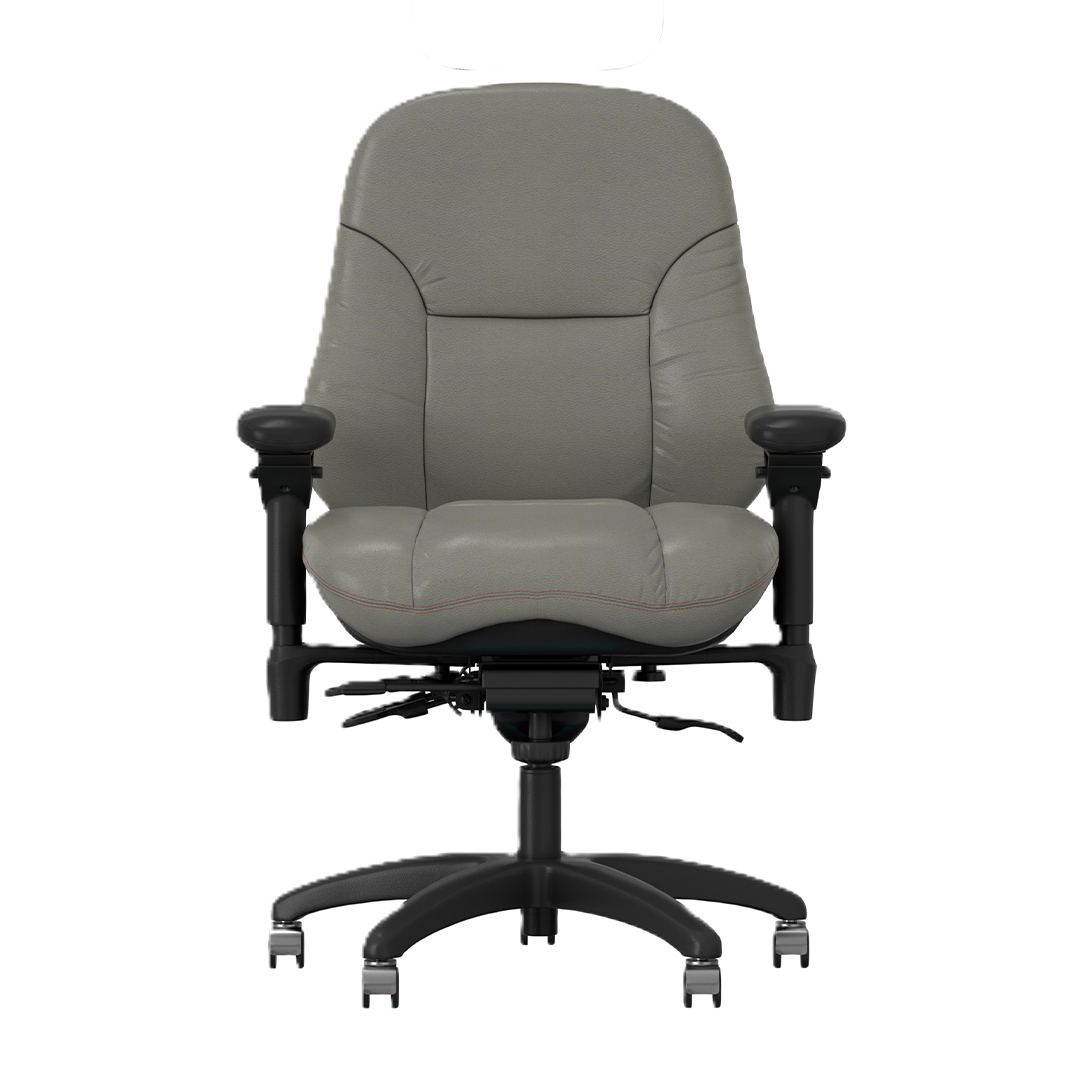
| NEXT24 2500 Series | Manager-height back, intensive-use mechanism, adjustable seat depth, Air Lumbar, SKYDEX seating | Multiple seat sizes with configurations up to 500 lbs | Multi-shift offices, call centers, dispatch and technical operations |
| NEXT24 3400 Series | Petite configuration, intensive-use mechanism, adjustable lumbar and seat depth | Designed for smaller users | Shared 24/7 environments requiring a petite seating option |
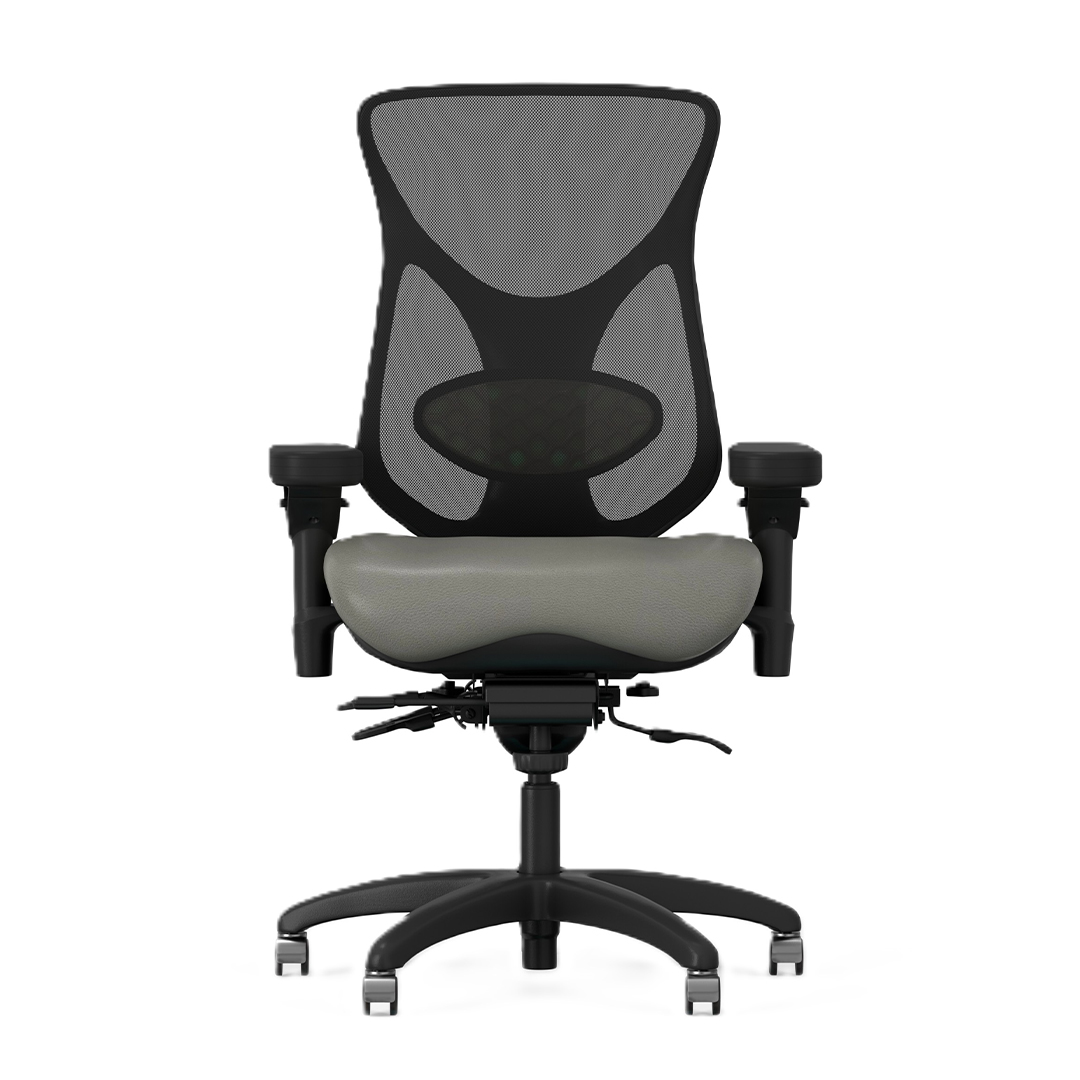
| Aircelli 24/7 2700 Series | Mesh-back intensive-use seating | Confirm available configurations for individual users | Extended-shift and multi-user environments where mesh-back seating is preferred |
| Midcelli 24/7 2800 Series | Intensive-use seating with mesh-back configuration | Standard and petite options available | Control rooms, monitoring environments and multi-shift workstations |
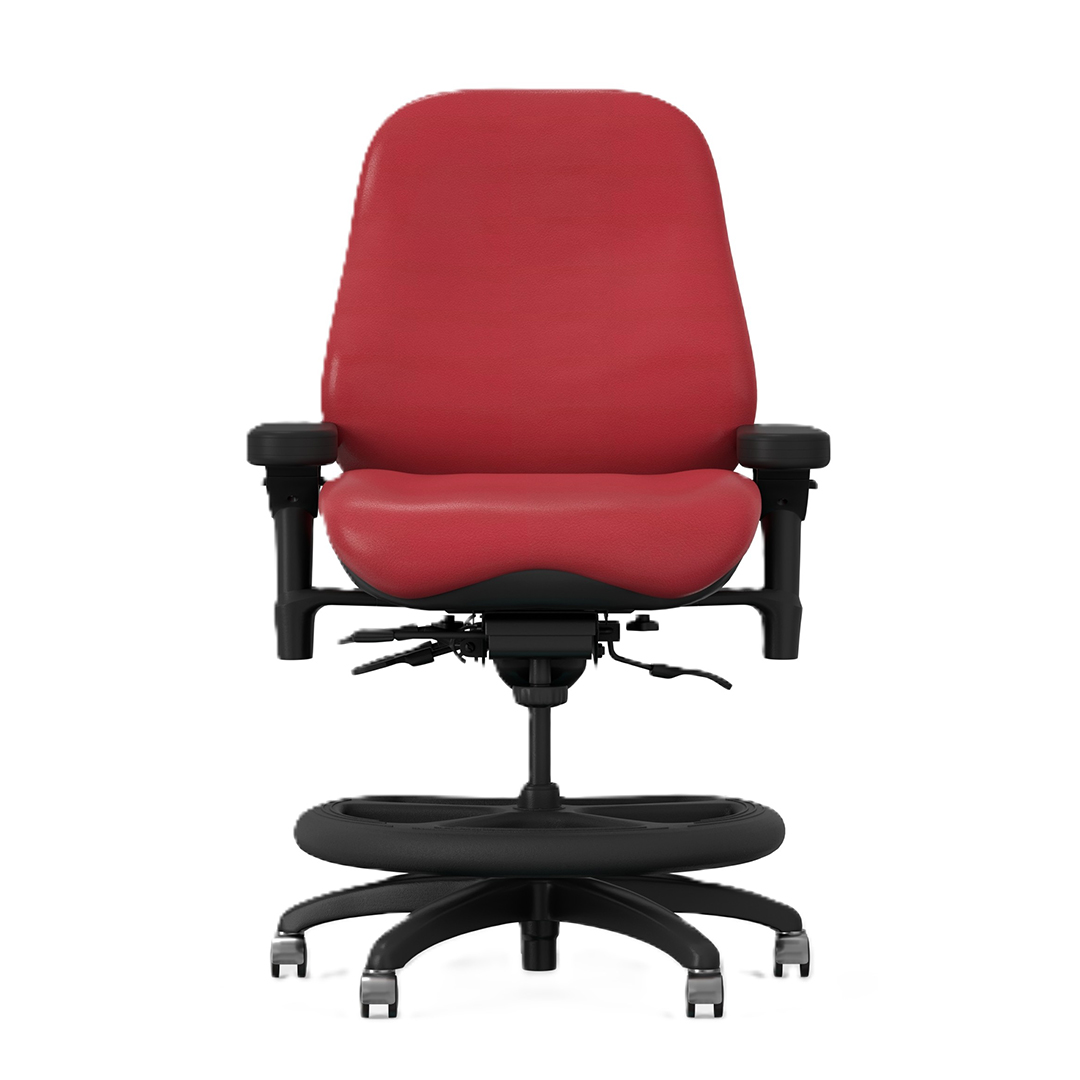
| NEXT24 Intensive-Use Stool | Tall-height cylinder, foot support, intensive-use mechanism, SKYDEX seating | Multiple seat and capacity configurations | Elevated consoles, technical stations and other high work surfaces |
Chair Selection Checklist for Facility Managers
Choosing intensive-use seating should begin with the workplace rather than a preferred chair model. Before requesting a quote, document the following:
- Operating schedule. Is the facility open 24/7, double-shift, or operating extended hours?
- Number of users per chair. Determine whether seating is assigned or shared between shifts.
- User range. Consider the heights, body dimensions, and required weight capacities across the workforce.
- Typical shift length. Identify how much of each shift employees normally spend at the workstation.
- Workstation design. Review desk or console height, monitor configuration, keyboard and mouse placement, communication equipment, and available leg space.
- Required adjustments. Determine which controls employees need to change quickly between shifts.
- Seat sizing. Consider whether standard, petite, Big & Tall, or multiple seat configurations are required across the facility.
- Arm requirements. Make sure armrests support the work without interfering with consoles, desks, equipment, or required movement.
- Maintenance requirements. Review replaceable components, upholstery options, cleaning requirements, warranty coverage, and serviceability.
- Procurement requirements. Government and public-sector facilities should identify applicable purchasing requirements before finalizing the chair specification.
Government organizations can also review BodyBilt government purchasing resources for additional procurement information.
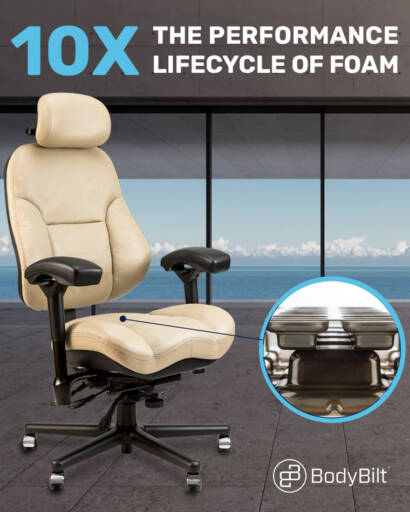
Review Product Specifications Before Standardizing
A facility-wide seating purchase is different from buying a single office chair.
Procurement teams should review the specification for each proposed model, particularly when the seating will be shared across a diverse workforce or used continuously.
BodyBilt provides product documents and specifications that can help teams compare chair dimensions, adjustments, components, and available configurations.
For large projects, consider testing proposed seating with representative employees before standardizing across the facility. Feedback from petite, standard, tall, and larger users can reveal fit requirements that may not be obvious from a specification sheet alone.
Explore BodyBilt Intensive-Use Seating
BodyBilt offers several pathways within its 24/7 seating range:
NEXT24 3500 Series Intensive-Use Chair
Executive-back intensive-use seating with SKYDEX cushioning and multiple seat configurations.
NEXT24 2500 Series Intensive-Use Chair
Manager-back seating for shared and continuous-use workstations, with multiple seat options and intensive-use components.
NEXT24 3400 Series Intensive-Use Chair
A petite intensive-use configuration for facilities that need to accommodate smaller users.
Additional NEXT24 and 24/7 models can be found in the featured product section above. Explore the NEXT24 executive chair collection for executive-back seating options.
Intensive-Use Seating Is Part of the Workstation
A durable chair cannot compensate for a poorly configured workstation.
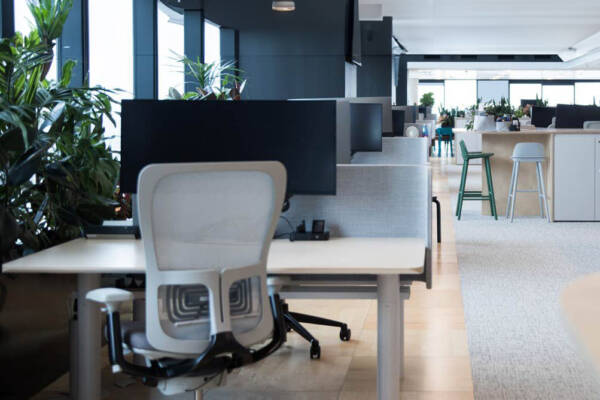
Dispatchers, control-room operators, security personnel, and other long-shift employees often work with multiple screens and specialized equipment. Chair fit should therefore be evaluated alongside monitor height, console dimensions, keyboard and mouse placement, and frequently used controls.
BodyBilt’s ergonomic tools include monitor arms, keyboard systems, and other workstation accessories that can provide additional adjustment where employees share complex workstations.
The objective is to make the entire station adaptable enough for the people rotating through it.
Plan Your 24/7 Seating Project With BodyBilt
Selecting chairs for a continuous operation requires more than choosing a durable office chair. BodyBilt can help facility managers, operations teams, and procurement professionals evaluate user requirements, workstation design, seat sizing, intensive-use configurations, and purchasing needs.
Planning a dispatch center, control room, security operation, call center, or other multi-shift facility?
Frequently Asked Questions
An intensive-use office chair is designed for demanding workplaces where seating may be occupied for long shifts, used by multiple employees, or operated across multiple shifts each day. These chairs typically use more robust components and provide extensive adjustment for shared workstations.
A 24/7 dispatch chair should combine intensive-use construction with enough adjustability to accommodate different operators. Look for appropriate seat sizing, seat-depth adjustment, lumbar support, adjustable arms, durable components, and controls that employees can quickly reset when shifts change.
A 24-hour chair is designed around heavier daily use and frequent user changes. BodyBilt intensive-use models use components such as heavy-duty cylinders and intensive-use mechanisms, while applicable configurations add reinforced construction and seating options for different user sizes.
Yes, provided the chair’s dimensions and capacity are appropriate for the users sharing it. Adjustable seat depth, back position, lumbar support, arms, and seat height can make a chair more adaptable between shifts. Facilities with a particularly diverse workforce may need more than one seat size or chair configuration.
Compare construction, adjustment range, seat sizes, weight capacities, lumbar support, arm options, upholstery, warranty coverage, serviceability, replacement components, and compatibility with the workstation. For large installations, reviewing current specifications and testing representative configurations before standardizing can help identify the right mix of seating.