
The right office chair should fit the person, the workstation, and the way the chair will be used. An employee sitting at a computer throughout the workday may need a different level of adjustment from someone who moves between meetings and desk work. A shared workstation creates another challenge because the same chair may need to accommodate several people.
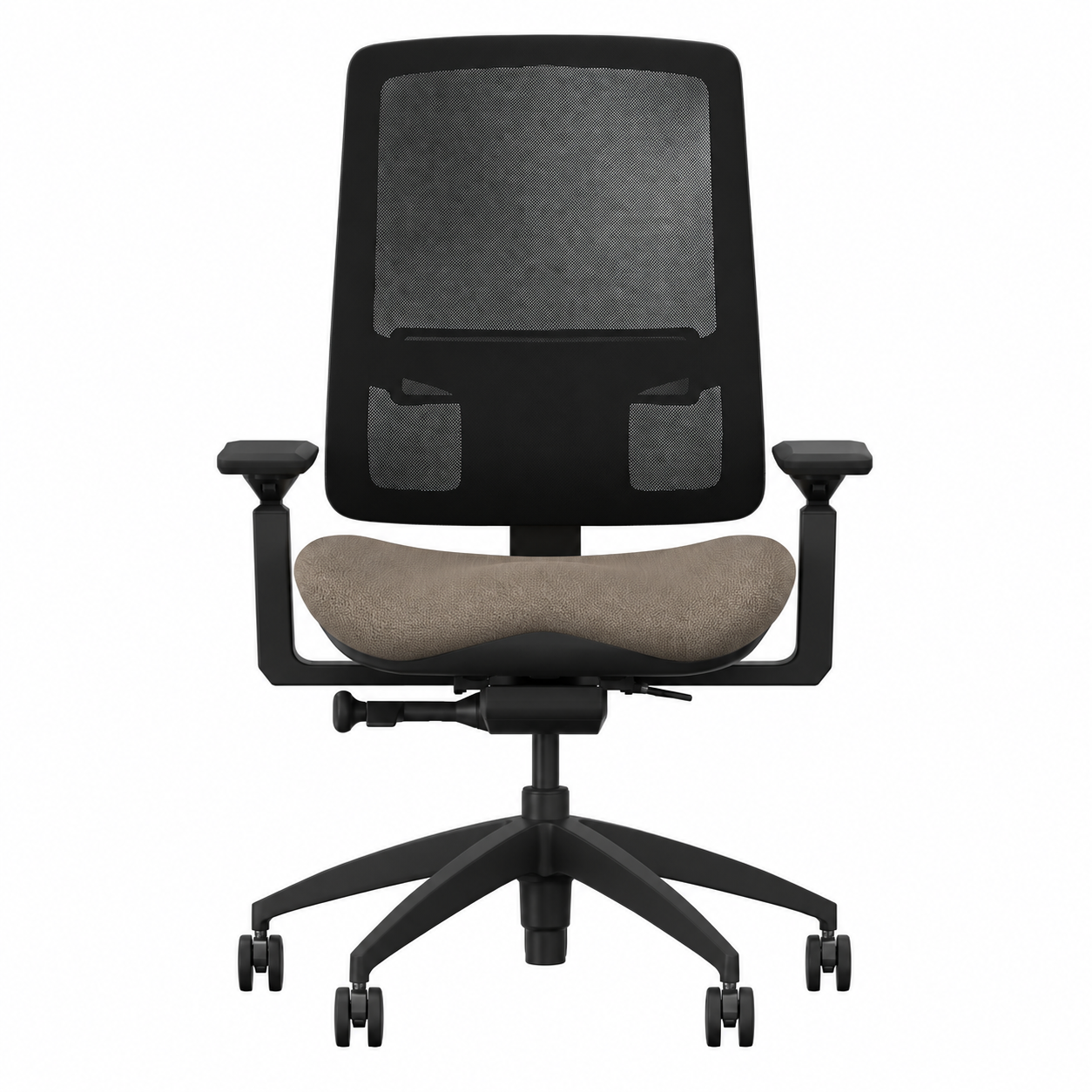
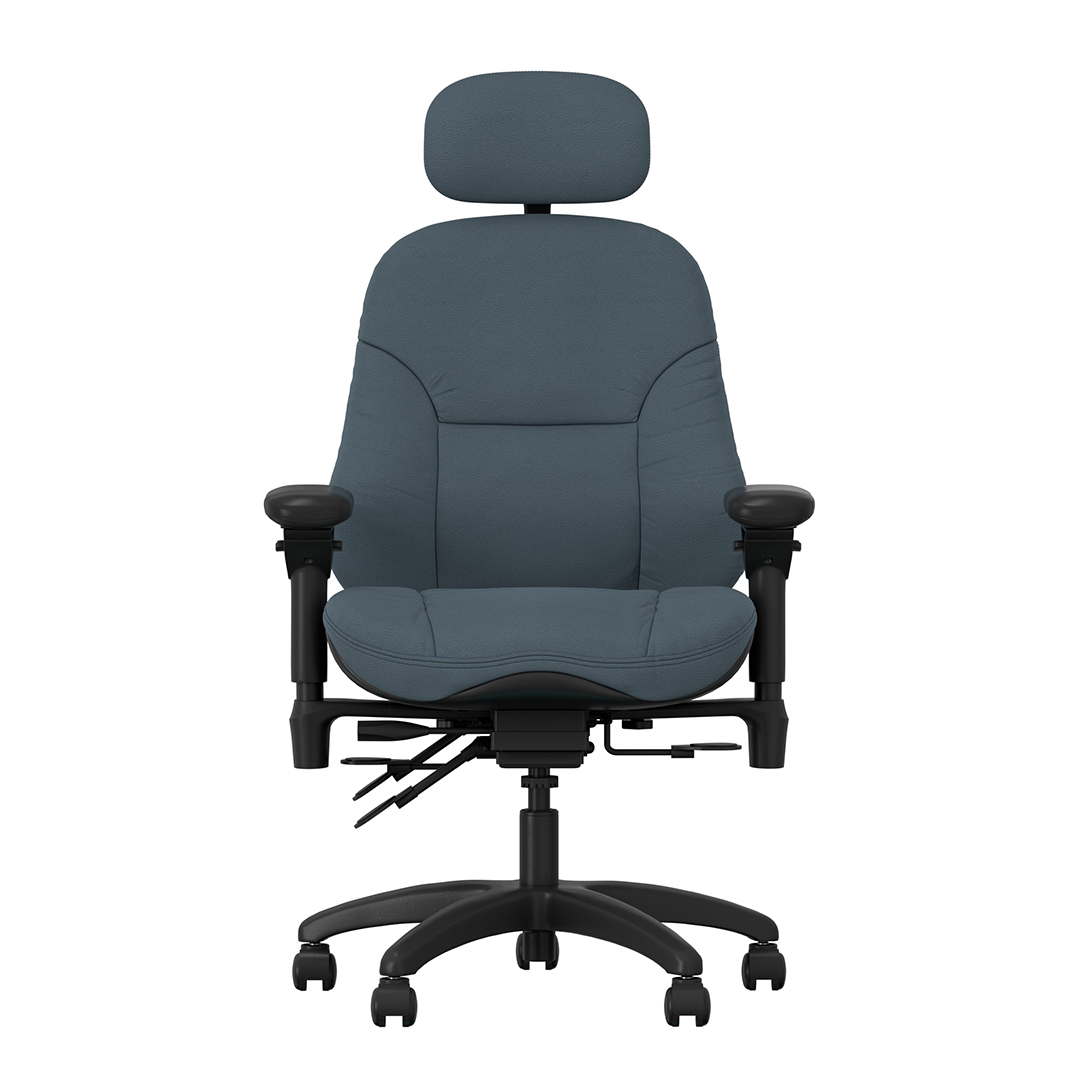
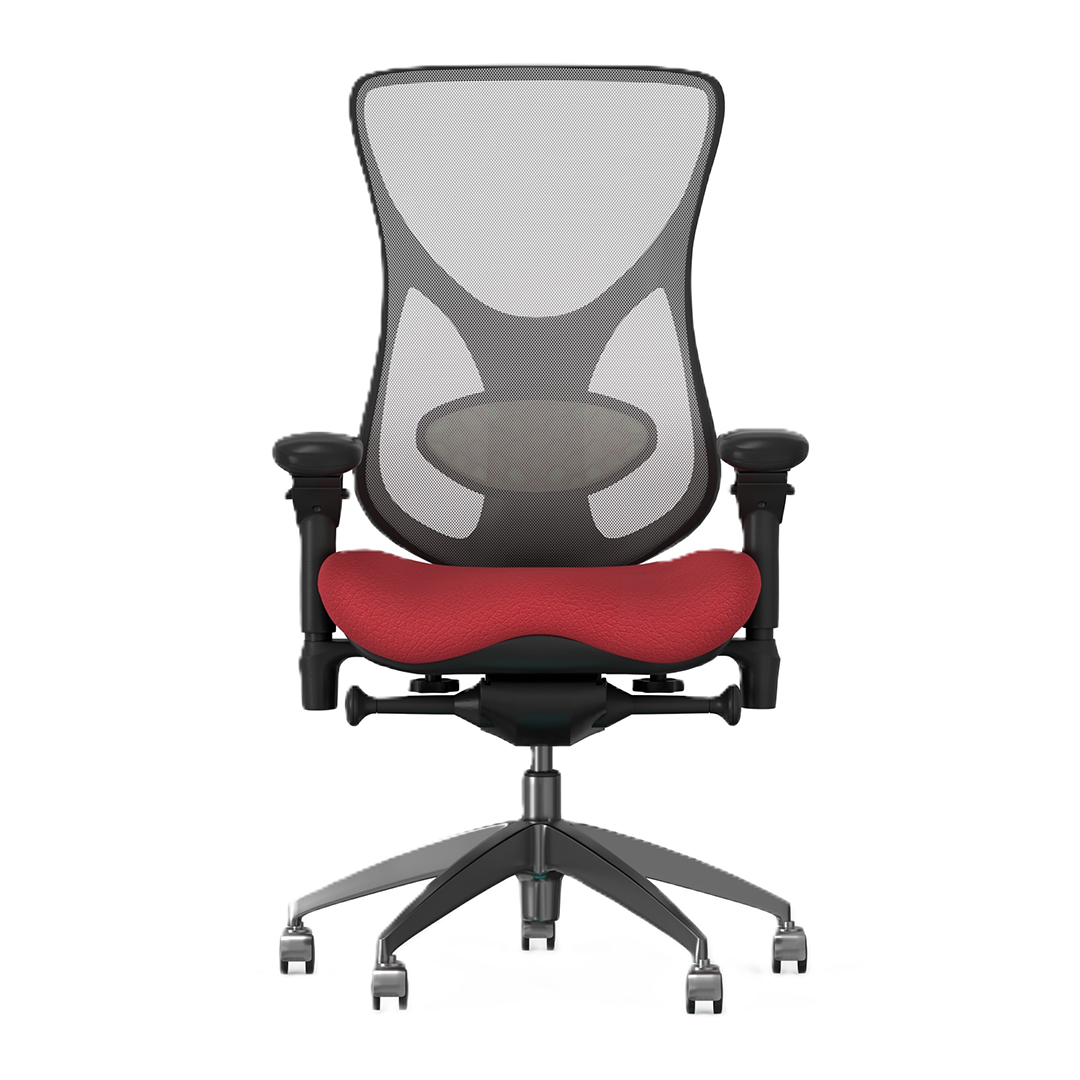
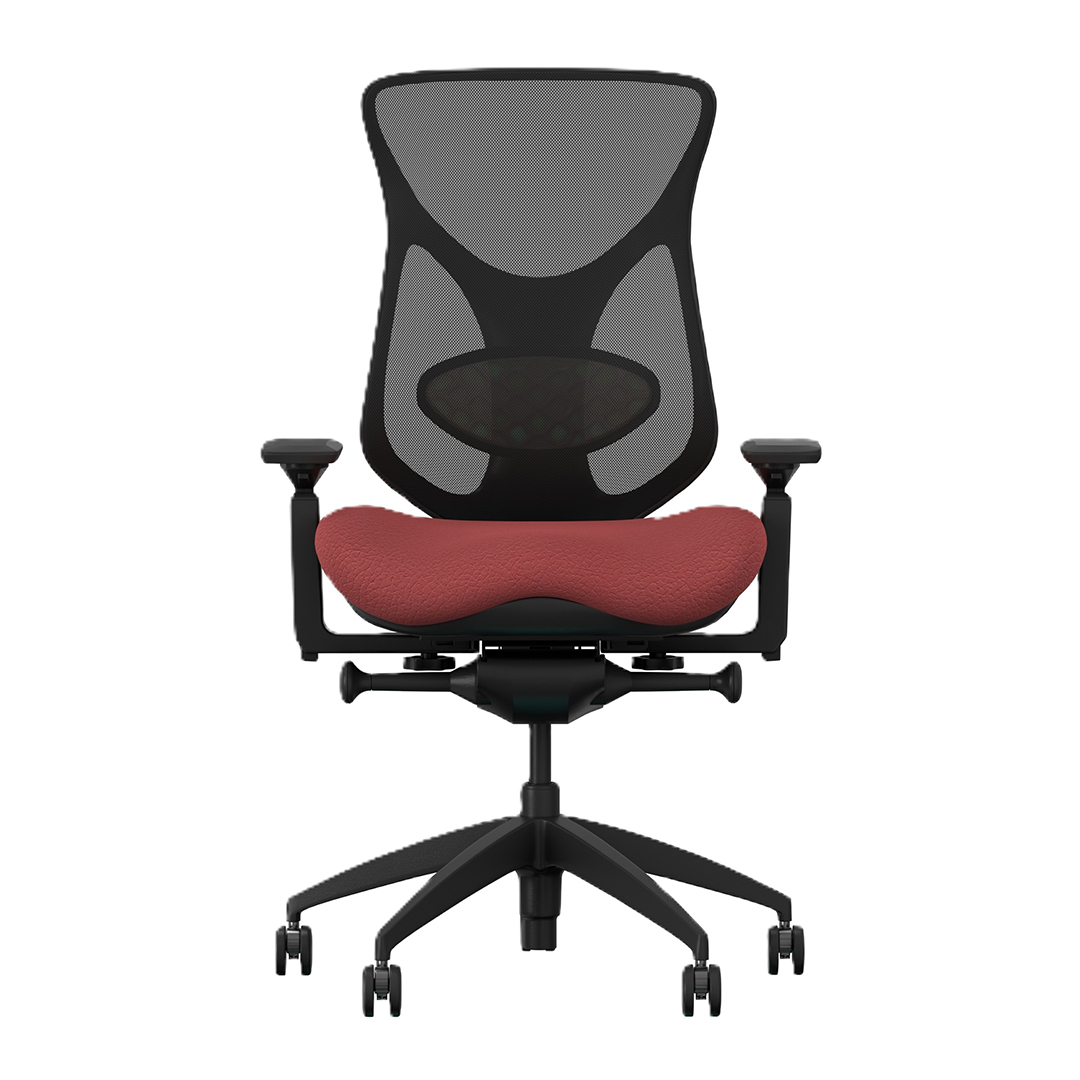
BodyBilt office seating includes task chairs, executive chairs, petite seating, Big & Tall configurations, and other customizable options for corporate offices, home workspaces, shared desks, and individual workstations. Explore the Classic manager chair collection for additional office seating options.
The goal is not to find one office chair that works for everyone. It is to identify the seat size, support, adjustments, and controls that make sense for the user and application.
See Our Featured Office Chairs
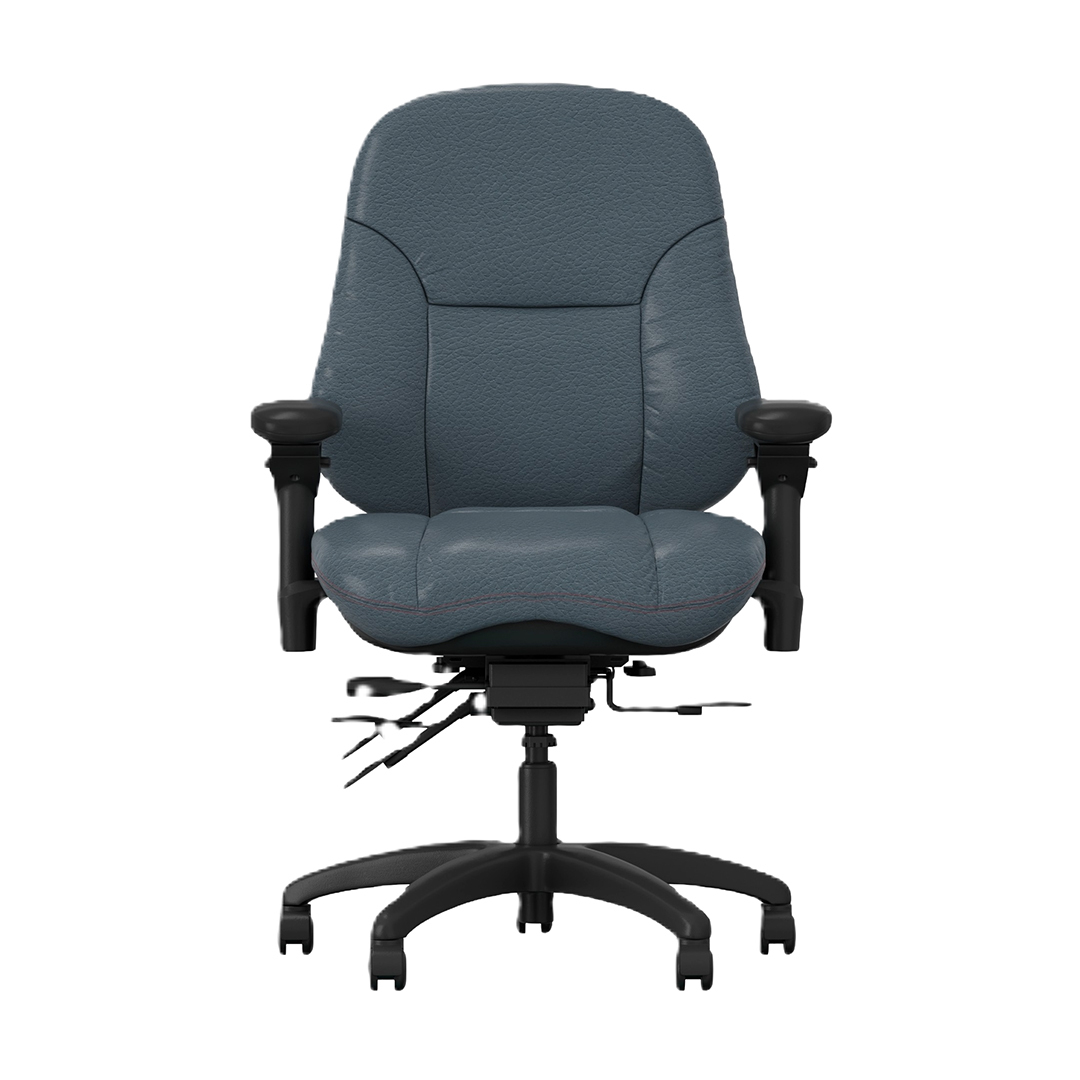
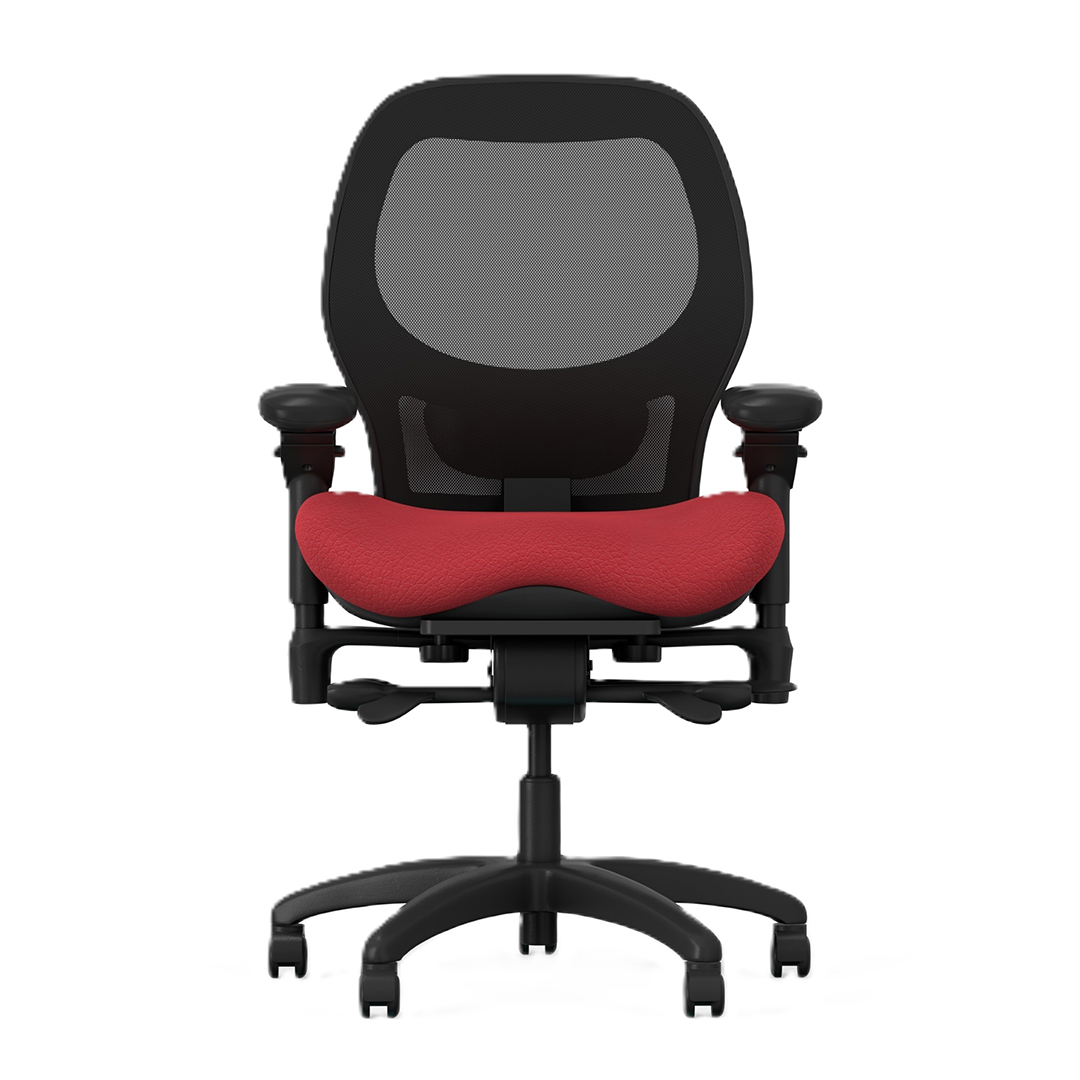
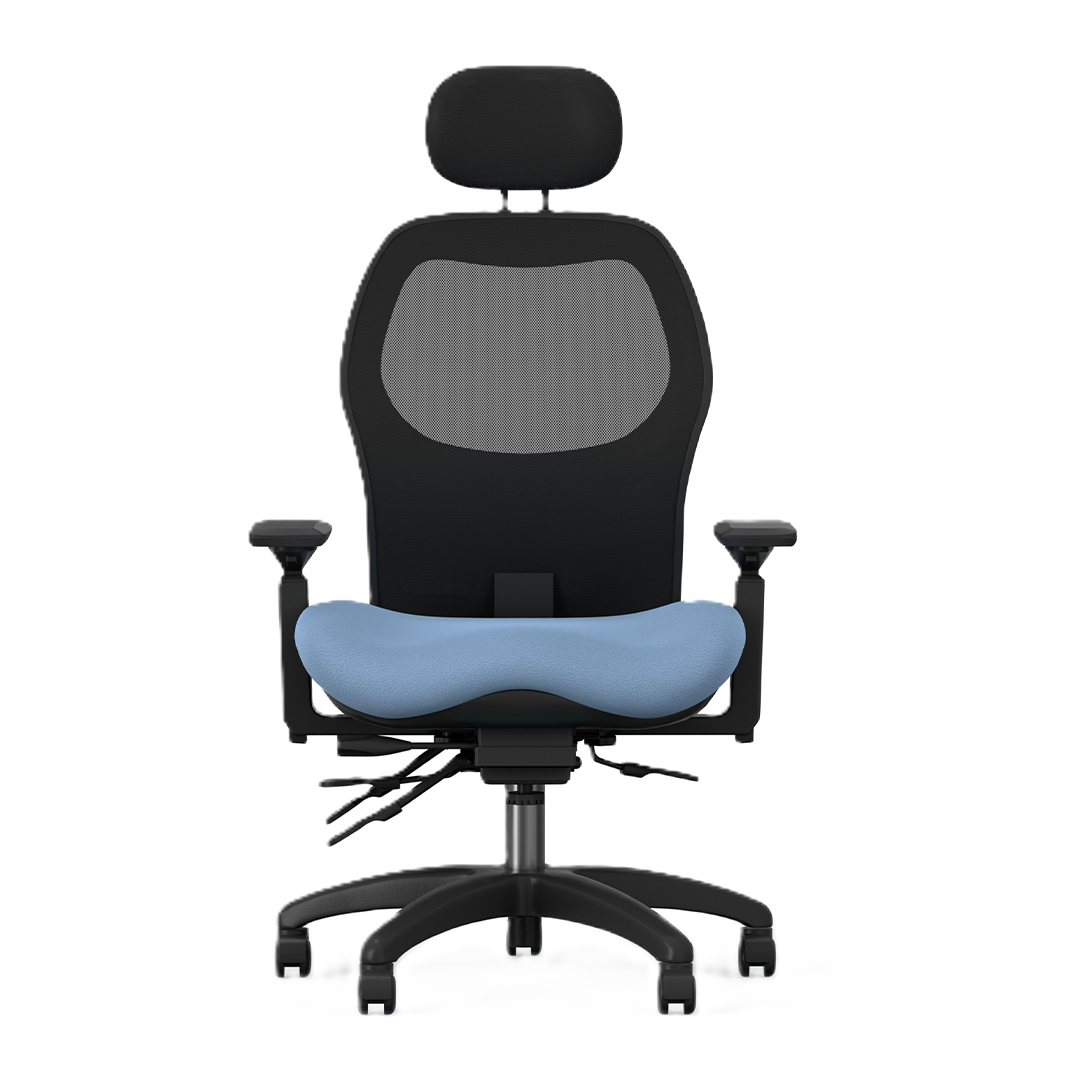
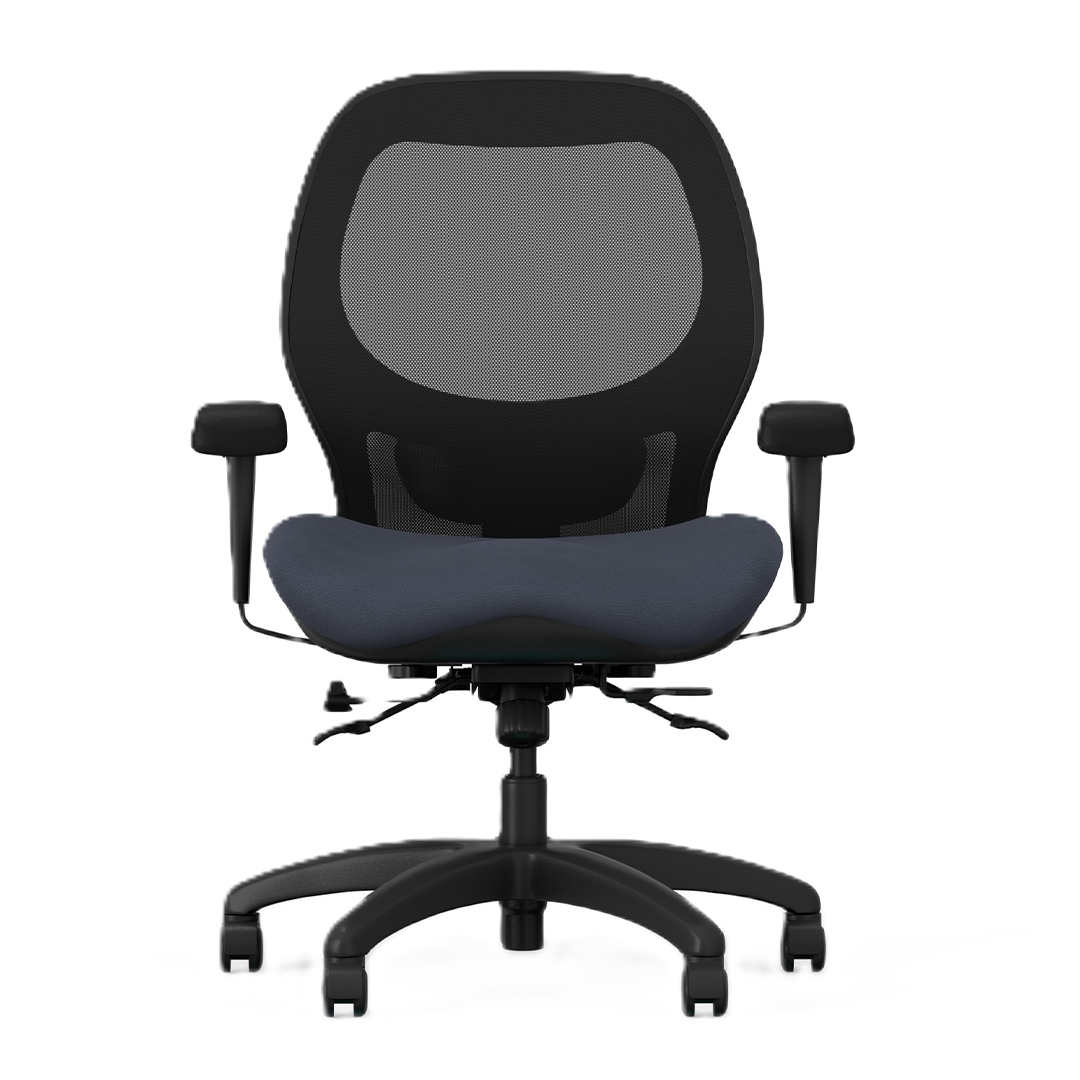
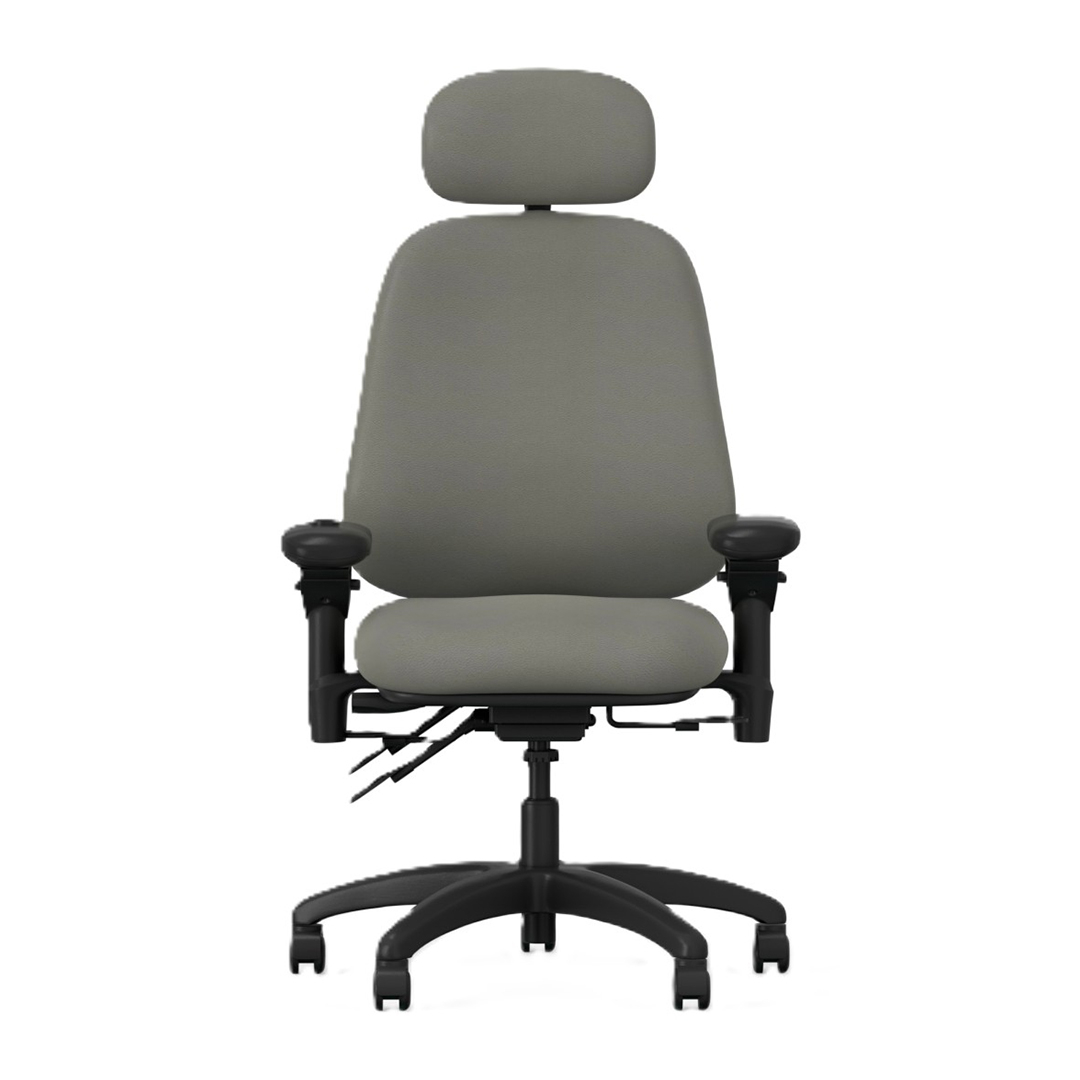
 Comfortek Carbon_Front 1_original.jpg)
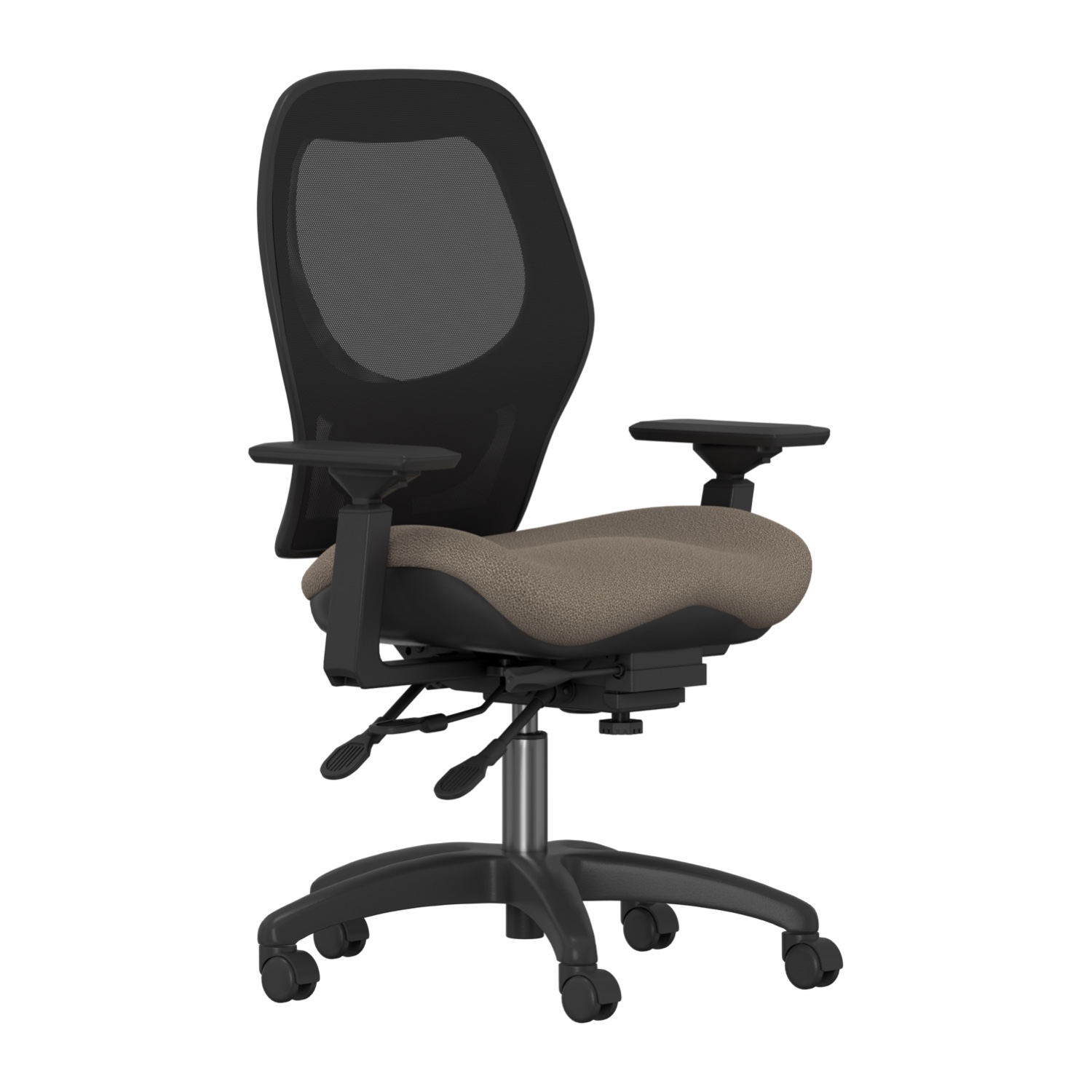
What Type of Office Chair Do You Need?
Start with how the chair will actually be used.
Job title alone does not determine the right seating. Time spent seated, body dimensions, workstation design, shared use, equipment placement, and the amount of adjustment required are all more useful selection criteria.

Task Chairs for Everyday Office Work
Task chairs are designed for active workstation use. They are well suited to employees who regularly move between typing, mouse work, calls, documents, and other desk-based tasks.
Useful features can include adjustable seat height, seat depth, lumbar or back support, arm positioning, and tilt controls.
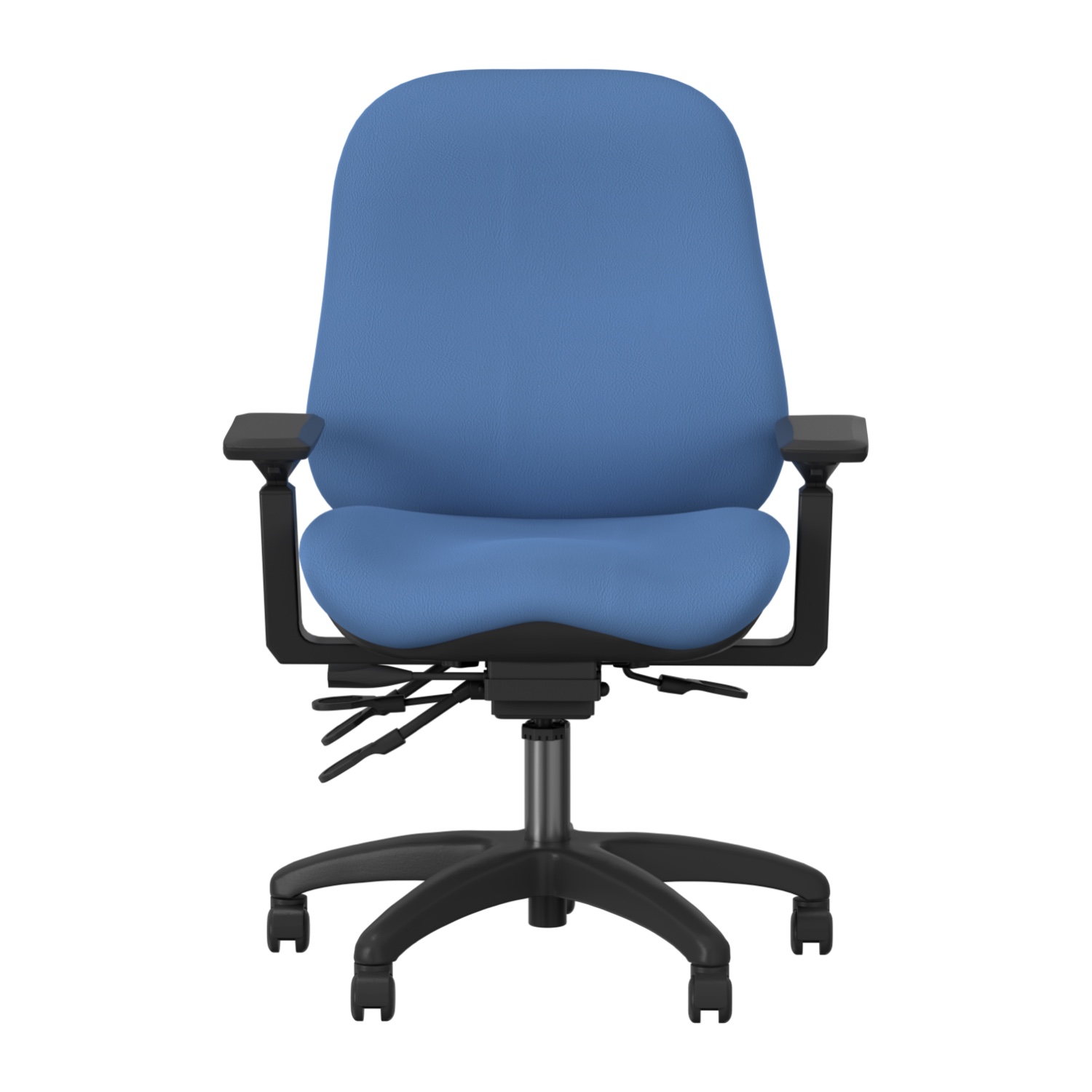
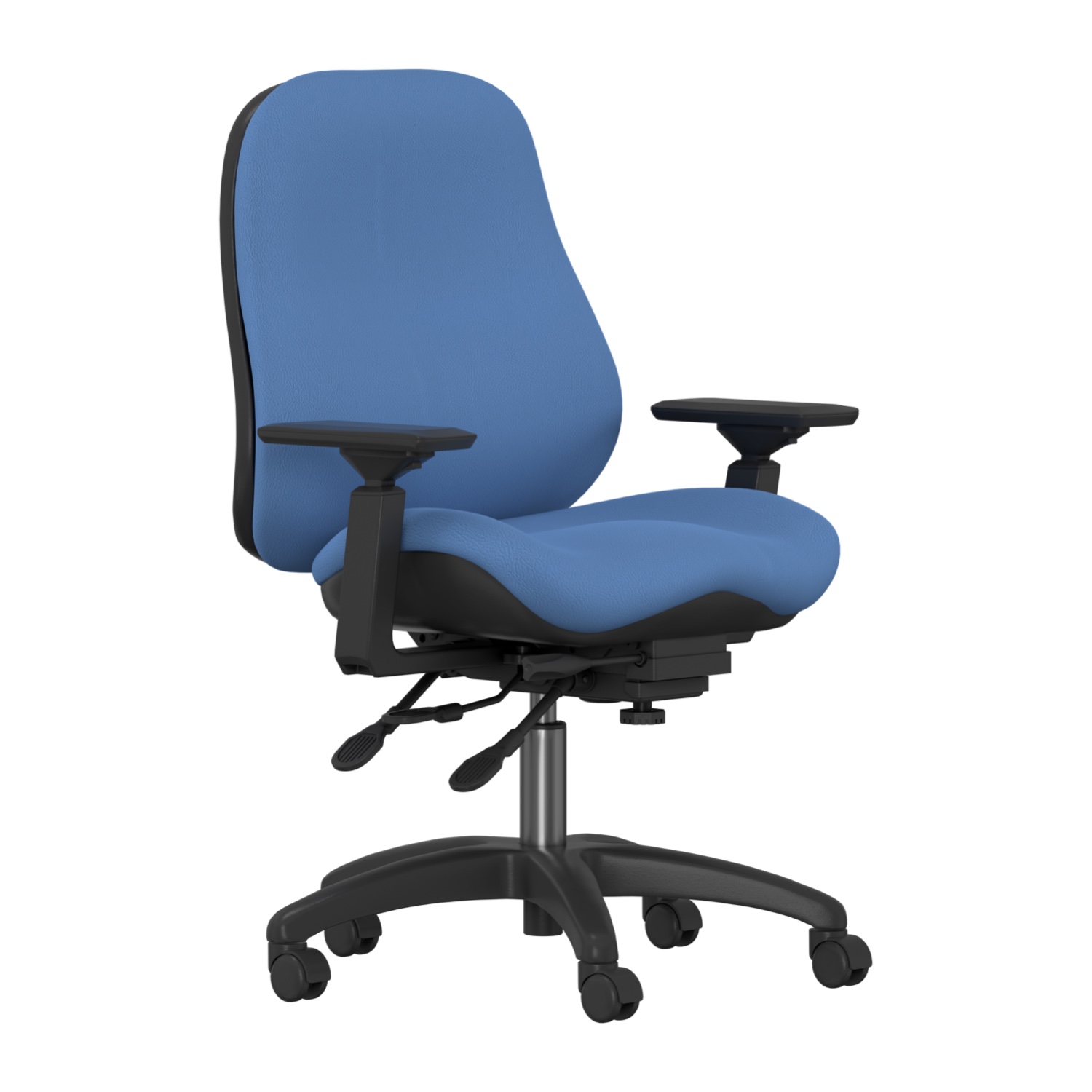
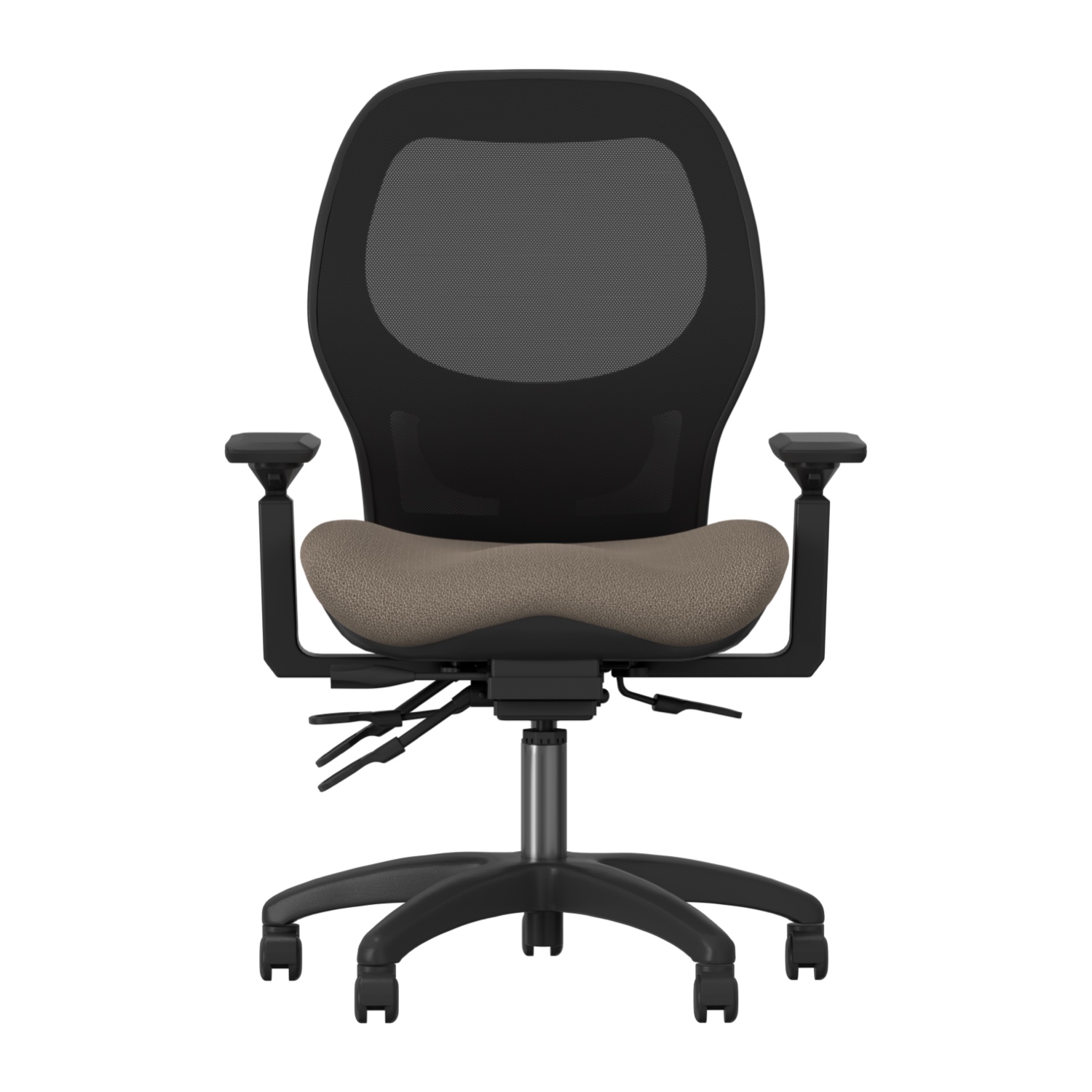
BodyBilt’s Sola 2600 Series, Aircelli 2700 Series, and Midcelli 2800 Series provide different approaches to task and office seating, allowing buyers to compare upholstered and mesh-back options alongside different adjustment features.
Task seating can work well for individual offices, open-plan workstations, administrative departments, and home offices where the chair is used regularly.

Executive Office Chairs
Executive seating should provide more than a taller back and a professional appearance.
Executives, managers, and other professionals may move between focused computer work, calls, meetings, reading, and other seated tasks throughout the day. Chair fit and adjustment remain important even when visual design is a consideration.
The Classic 3500 Series Executive Back Chair provides a higher-back option within BodyBilt’s office seating range, while the Classic 3400 Series Petite Back Executive Chair provides an executive seating configuration for smaller users.
When comparing executive office chairs, consider back dimensions, seat size, lumbar positioning, arm adjustment, recline controls, and the amount of time the user actually spends seated.
Home Office Chairs
A home office chair should be selected with the same attention to fit as workplace seating, particularly when the home office is used for a full working day.
Dining chairs and other occasional seating may be adequate for short tasks, but regular computer work usually benefits from greater control over seat height, back support, arm position, and working posture.
Space can also influence the decision. A home office may have a smaller desk, limited floor area, or equipment that serves several purposes.
Pair the chair with appropriately positioned computer equipment. BodyBilt monitor arms and keyboard systems can provide additional adjustment when the desk itself offers limited flexibility.
Office Chairs for Shared Workstations
Hot-desking, hybrid offices, training environments, and shared workstations need chairs that different users can adjust without difficulty.
Look for controls that allow employees to quickly change seat height, seat depth, arm position, back support, and tilt settings. A chair with extensive adjustment is only useful in a shared environment if employees can understand and use those controls.
Seat size also matters. A single chair may accommodate a reasonable range of users, but a workforce with significant differences in body dimensions may require more than one chair or seat configuration.
BodyBilt provides chair adjustment instructions and product documents for current seating models to help employees understand available controls.
Office Chairs for Full-Day and Long-Hour Use
Employees who spend much of the working day seated should pay particular attention to chair fit and adjustability.
Seat depth, lumbar support, arm position, seat dimensions, recline, and the relationship between the chair and workstation all become more noticeable during extended periods of computer work.
Long-hour use should not mean remaining in one position for the entire day. A well-fitted chair should allow users to change seated positions, and the workday should include opportunities to stand and move when tasks allow.
Workplaces operating multiple shifts or using the same chairs continuously have different durability requirements. For those environments, explore BodyBilt intensive-use seating designed specifically for 24/7 and multi-shift applications.
Office Chair Buying Guide
Office chair specifications can become overwhelming quickly. Focus first on the features that determine whether the chair can accommodate the user and workstation.
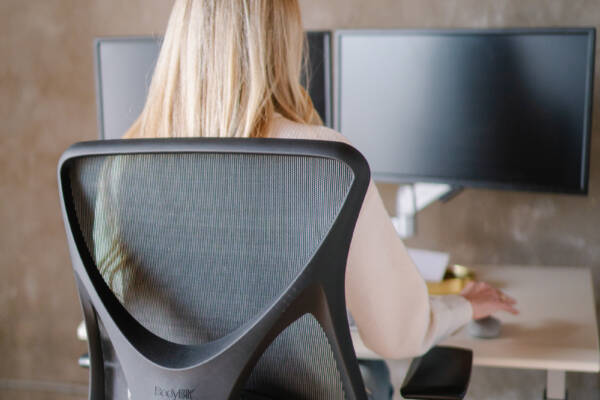
Seat Size
The seat should provide enough space for the user without being unnecessarily wide or deep.
BodyBilt offers multiple seat configurations across its office seating range, including options for petite, standard, and larger users. Seat dimensions should be checked on the individual chair specification rather than assuming every model uses the same seat.
Seat Depth
Seat depth affects how the thighs are supported and whether the user can sit against the backrest without the front of the seat pressing firmly behind the knees.
Some chairs provide seat-depth adjustment, allowing the seat to move forward or backward. Other configurations use different seat sizes to accommodate different users.
When comparing chairs, consider both the physical seat dimensions and the available depth adjustment.
Lumbar and Back Support
The backrest should provide support in a position that works with the user’s body rather than forcing the user into one fixed posture.
Depending on the model, BodyBilt seating provides different forms of lumbar and back adjustment. Some configurations allow the back or lumbar area to move vertically, while others provide additional lumbar adjustment options.
The objective is comfortable support that can be positioned for the individual.
Armrests
Armrests should support the forearms without forcing the shoulders upward or requiring the user to reach outward.
Depending on the chair and arm configuration, adjustments may include height, width, pivot, and fore/aft positioning.
Armrests should also fit the workstation. Large or poorly positioned arms can prevent a chair from moving close enough to the desk.
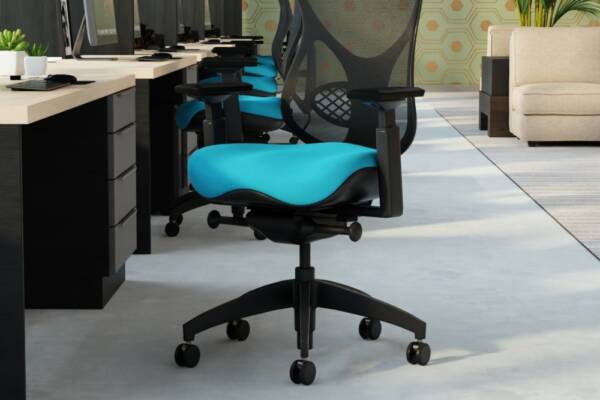
Headrests
A headrest is useful for some users and applications, particularly when the chair is frequently used in a reclined position.
It is not automatically necessary for every office chair. If a headrest is selected, it should support the user without pushing the head forward during normal work.
Consider how the employee actually uses the chair before making a headrest a required feature.
Chair Controls and Recline
Office chair controls may include seat height, back angle, seat tilt, tilt tension, tilt limiting, seat depth, and other adjustments depending on the mechanism.
More controls provide greater flexibility, but users also need to understand them.
When outfitting shared offices or large facilities, consider how easily employees can learn to adjust the selected chair. BodyBilt’s product documents and adjustment instructions can help users understand model-specific controls.
Weight Capacity
Weight capacity should be treated as a product specification, not an estimate.
Confirm the published capacity of the individual chair and selected configuration before ordering. Do not assume that two chairs in the same product family have identical capacities.
Employees requiring larger seating should also consider seat width, depth, back dimensions, arm spacing, and overall fit rather than selecting a chair based on capacity alone.
Compare Office Chair Types
| Chair Type | Primary Features | Suitable Applications | Customization Considerations |
| Task Chair | Adjustable working position, mobility, seat and back controls | Computer work, administrative offices, individual workstations | Seat size, lumbar support, arms, controls and upholstery |
| Executive Chair | Higher-back configurations, adjustable support, professional office design | Executive offices, managers, private offices, conference-focused work | Back height, seat configuration, arms, headrest options and upholstery |
| Home Office Chair | Adjustable support within an individual workstation | Remote work, hybrid employees, dedicated home offices | Available space, desk compatibility, seat size and controls |
| Shared Workstation Chair | Easy-to-use adjustments and adaptable fit | Hot-desking, hybrid offices, training spaces, shared desks | Adjustment range, user range, seat dimensions and control simplicity |
| Petite Office Chair | Dimensions and configurations intended for smaller users | Individual and shared offices requiring a smaller seating fit | Seat depth, seat height, back dimensions and arm spacing |
| Big & Tall / Bariatric Chair | Larger seat configurations and application-appropriate capacities | Users requiring additional seat space or higher-capacity configurations | Published capacity, seat width, depth, back size and arm spacing |
| Intensive-Use Chair | Heavy-duty components and extensive adjustment | 24/7 operations, dispatch, control rooms and multi-shift environments | Durability, multiple users, seat sizing and serviceability |
How to Measure for an Office Chair
You do not need dozens of body measurements to make a better chair selection, but a few basic checks can help narrow the options.
1. Check Seated Height
The chair should adjust so the user can establish a comfortable seated position relative to the floor and work surface.
If the correct desk relationship leaves the user’s feet unsupported, a footrest may provide a stable support surface.
2. Check Seat Depth
Sit against the backrest and look at the relationship between the front edge of the seat and the back of the knees.
The thighs should receive support without the seat edge pressing firmly behind the knees. Users at either end of the height range may benefit from petite, larger, or depth-adjustable seating.
3. Check Seat Width
The user should have enough space to sit comfortably without feeling compressed by the seat or armrests.
A wider seat is not automatically better. Excessive width can place adjustable arms too far away or create a poor relationship between the user and backrest.
4. Check Arm Position
With the shoulders relaxed, determine whether the armrests can be positioned beneath the forearms without pushing the elbows outward.
Also check whether the arms allow the chair to move close enough to the desk.
5. Check the Workstation
Chair fit cannot be separated from desk fit.
After adjusting the chair, review desk height, keyboard and mouse position, and monitor placement. If the workstation prevents the user from maintaining a comfortable chair position, consider height-adjustable tables or other adjustable workstation tools.
How Office Chair Needs Change by Work Style
| Work Pattern | What to Prioritize |
| Occasional Office Use | Appropriate basic fit, seat height, back support and easy movement |
| Full-Day Computer Work | Seat depth, lumbar positioning, arm adjustment, recline and workstation fit |
| Executive / Managerial Work | Support across computer work, meetings and reclined tasks, plus appropriate back and seat dimensions |
| Home Office Work | Full-day fit where applicable, desk compatibility and efficient use of limited space |
| Shared / Hybrid Workstations | Fast adjustment, adaptable dimensions and controls employees can understand easily |
| 24/7 or Multi-Shift Work | Intensive-use construction, extensive adjustment and configurations suitable for multiple users |

Adjust the Chair Before Judging the Fit
A good office chair can feel wrong when its controls are still set for another person.
Before deciding that a chair is unsuitable, adjust the seat height, seat depth, lumbar or back position, armrests, and recline settings available on that model.
Then check the surrounding workstation.
The monitor should be positioned at a comfortable viewing height and distance. The keyboard and mouse should remain within easy reach, and the desk should allow the user to sit close enough to the work without leaning forward.
BodyBilt provides chair adjustment instructions and product documentation for many seating models. Employees should be shown how to use the controls when new chairs are introduced, particularly in shared workplaces.
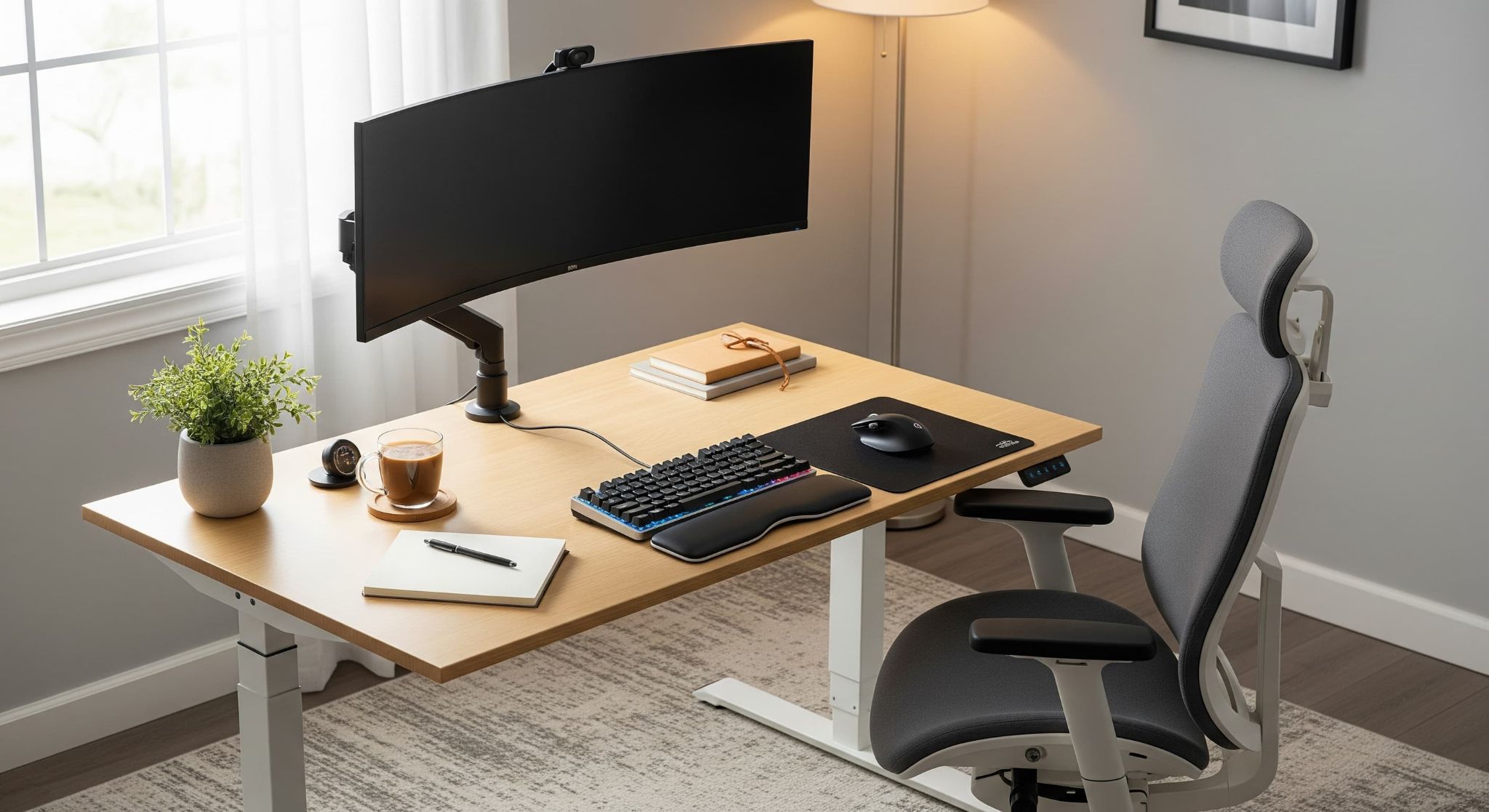
Build the Complete Office Workstation
Office seating works best when the rest of the workstation can accommodate the user too.
A properly fitted chair cannot solve a monitor that is positioned too low, a mouse that requires constant reaching, or a desk that prevents the user from sitting at an appropriate height.
BodyBilt workstation solutions include:
- Height-adjustable tables for changing work surface height
- Monitor arms for screen height, reach, and angle adjustment
- Keyboard systems for keyboard and mouse positioning
- Desk accessories for foot support, laptop positioning, documents, and other workstation needs
For workplaces with specialized requirements, BodyBilt also offers healthcare and industrial seating and intensive-use chairs.

Choosing Office Seating for an Organization
A large office does not necessarily need one chair model everywhere.
Different departments may have different workstation layouts, employee populations, daily sitting times, and job requirements. Procurement teams should establish a core set of requirements and then identify where alternative seat sizes or chair configurations are needed.
Consider:
- How many hours per day the chairs are typically occupied.
- Whether seating is assigned or shared.
- The range of employee body dimensions.
- Workstation and desk dimensions.
- Required seat sizes and capacities.
- Which adjustments employees need most often.
- Upholstery and finish requirements.
- Maintenance and replacement-component considerations.
- Specialized requirements for particular departments.
- Whether employees need training on chair controls.
For larger projects, representative users can help evaluate proposed seating configurations before the organization standardizes across an entire facility.
Find the Right BodyBilt Office Chair
A good office seating decision starts with the person and the work they perform.
BodyBilt can help individuals, workplace teams, facility managers, and procurement professionals compare seat sizes, chair configurations, adjustment features, and application requirements before selecting a chair.
Need help choosing office seating for one employee or an entire workplace?
Frequently Asked Questions
Start with fit and adjustability. Compare seat size, seat depth, lumbar or back support, armrest adjustment, chair controls, published weight capacity, and compatibility with the workstation. The right combination depends on the user and how long the chair will normally be occupied.
There is no single chair that is best for every full-day user. Look for a chair that fits the user’s body dimensions and provides appropriate seat depth, back support, arm adjustment, recline, and seat-height control. Employees should also change positions and move during the workday rather than remaining seated continuously.
Check seat width and depth, usable seat-height range, back dimensions, arm positioning, and the chair’s published capacity. Petite, standard, and larger users may need different seat configurations even when they perform the same job.
A task chair is generally intended for active desk and computer work, while office seating is a broader category that can include task chairs, executive chairs, petite and Big & Tall seating, and specialized workplace chairs.
Consider intensive-use seating when a chair will be used across multiple shifts, shared continuously, or placed in a 24/7 workplace such as a dispatch center, control room, security operation, or monitoring facility. These environments place different durability and adjustment demands on seating than a conventional office.