
Improving your workers’ productivity increases workplace profitability
With Bodybilt’s by ErgoGenesis’s comprehensive range of ergonomic seating, there is a chair just right for any way you might want to sit. Ergonomic chairs are proven to deliver real support, made to reduce pain, improve productivity, and promote long-term health. Not all ergonomic seating is the same, however. Different tasks, environments, and users require different seating solutions. To decide what chair is right for you, discover what makes our chairs unique.
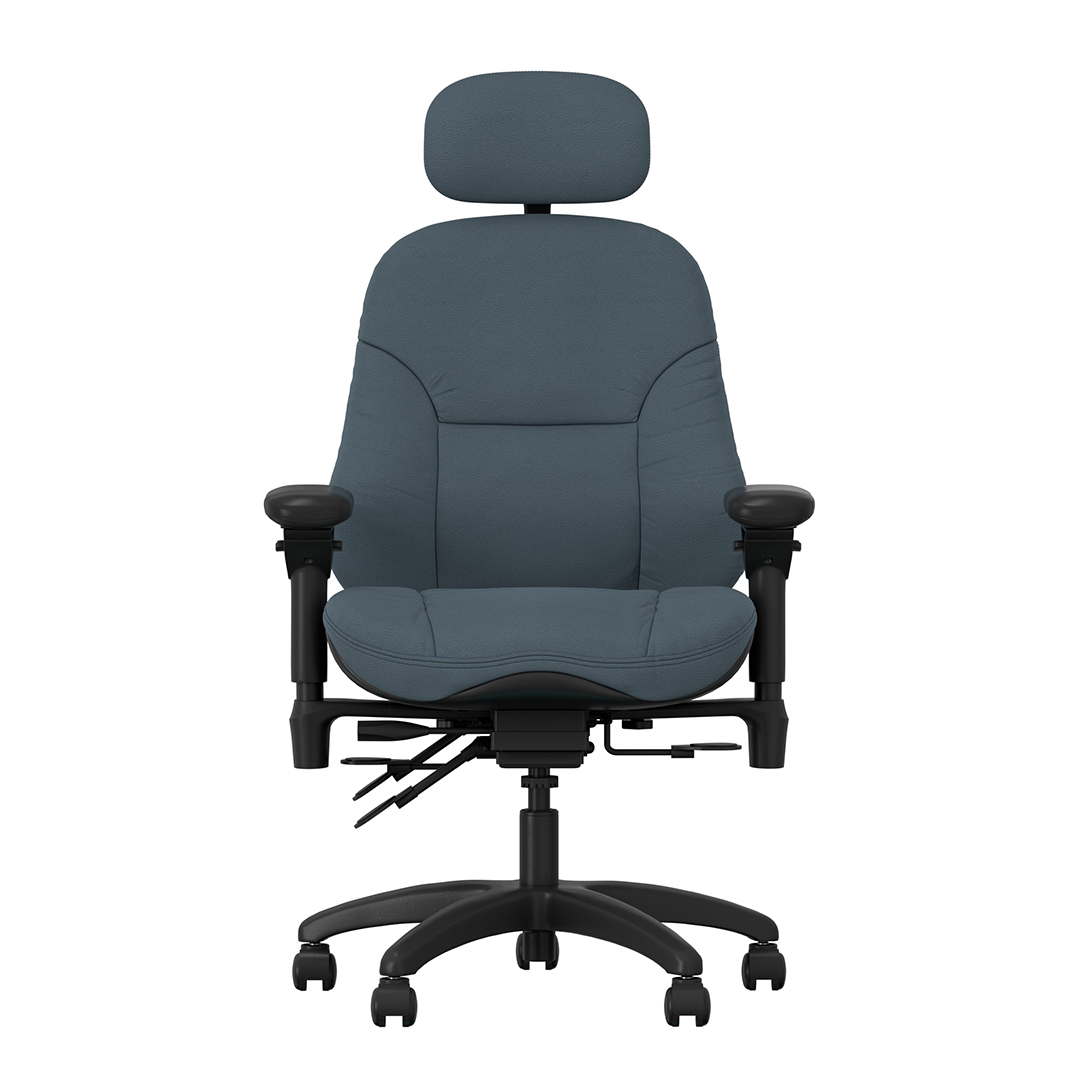
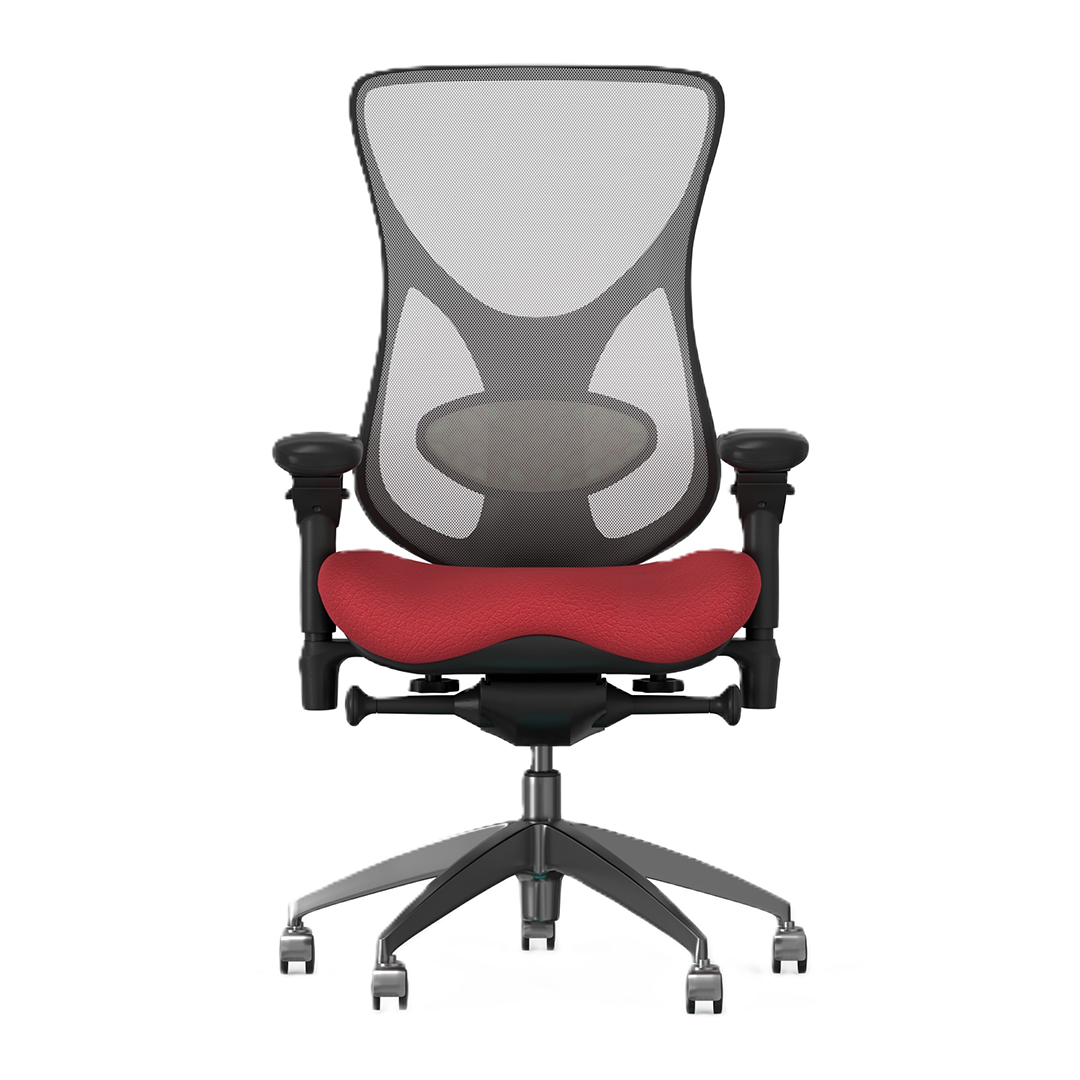
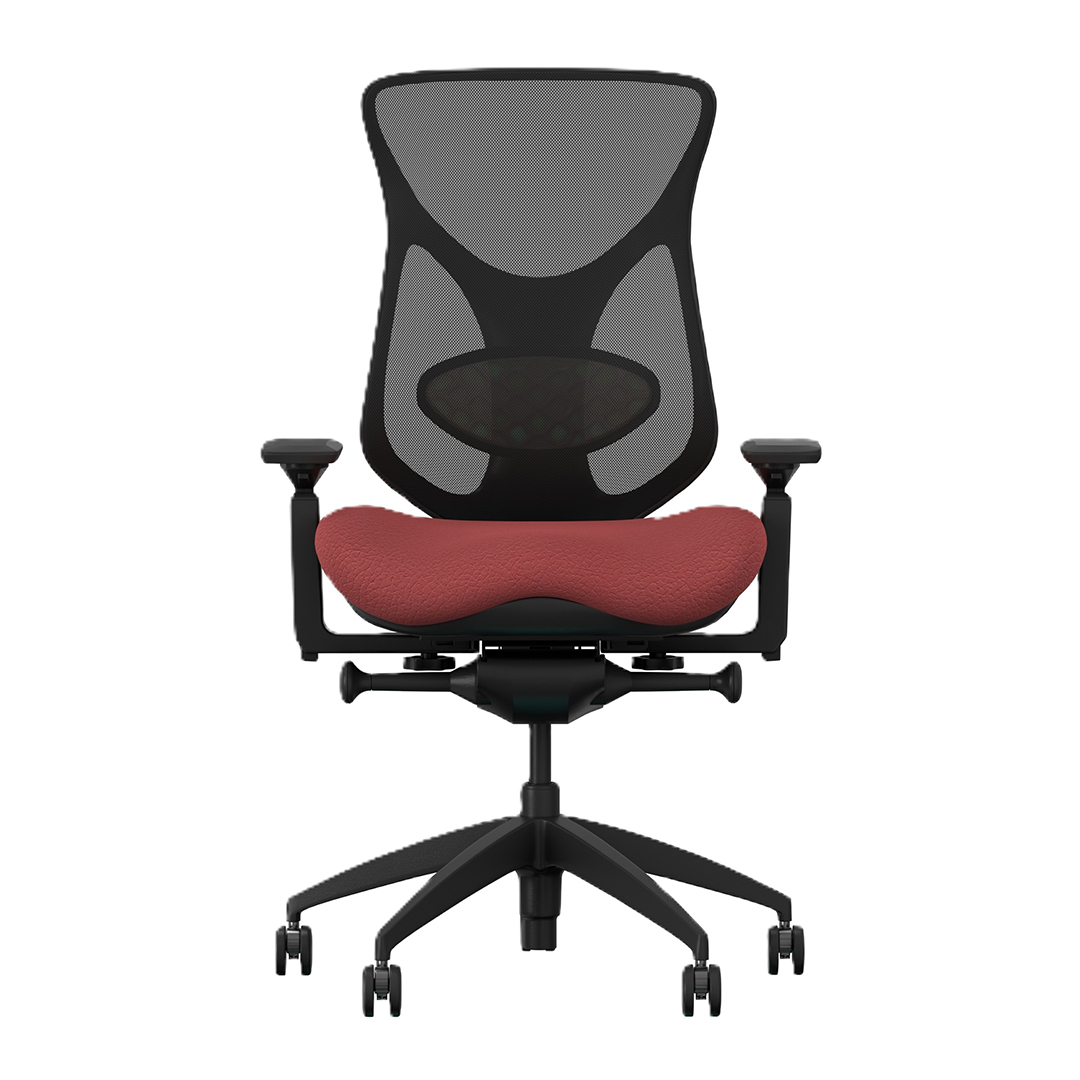
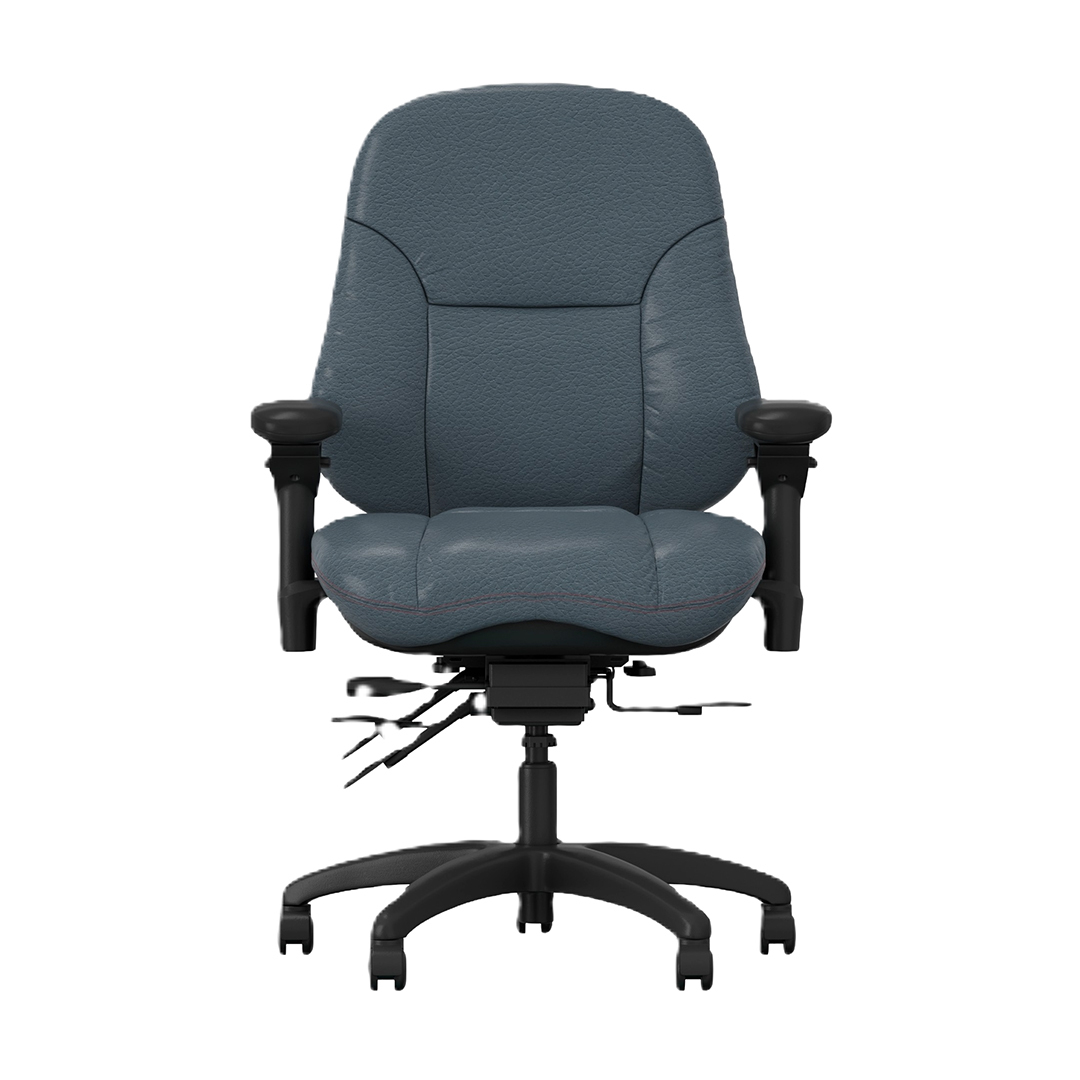
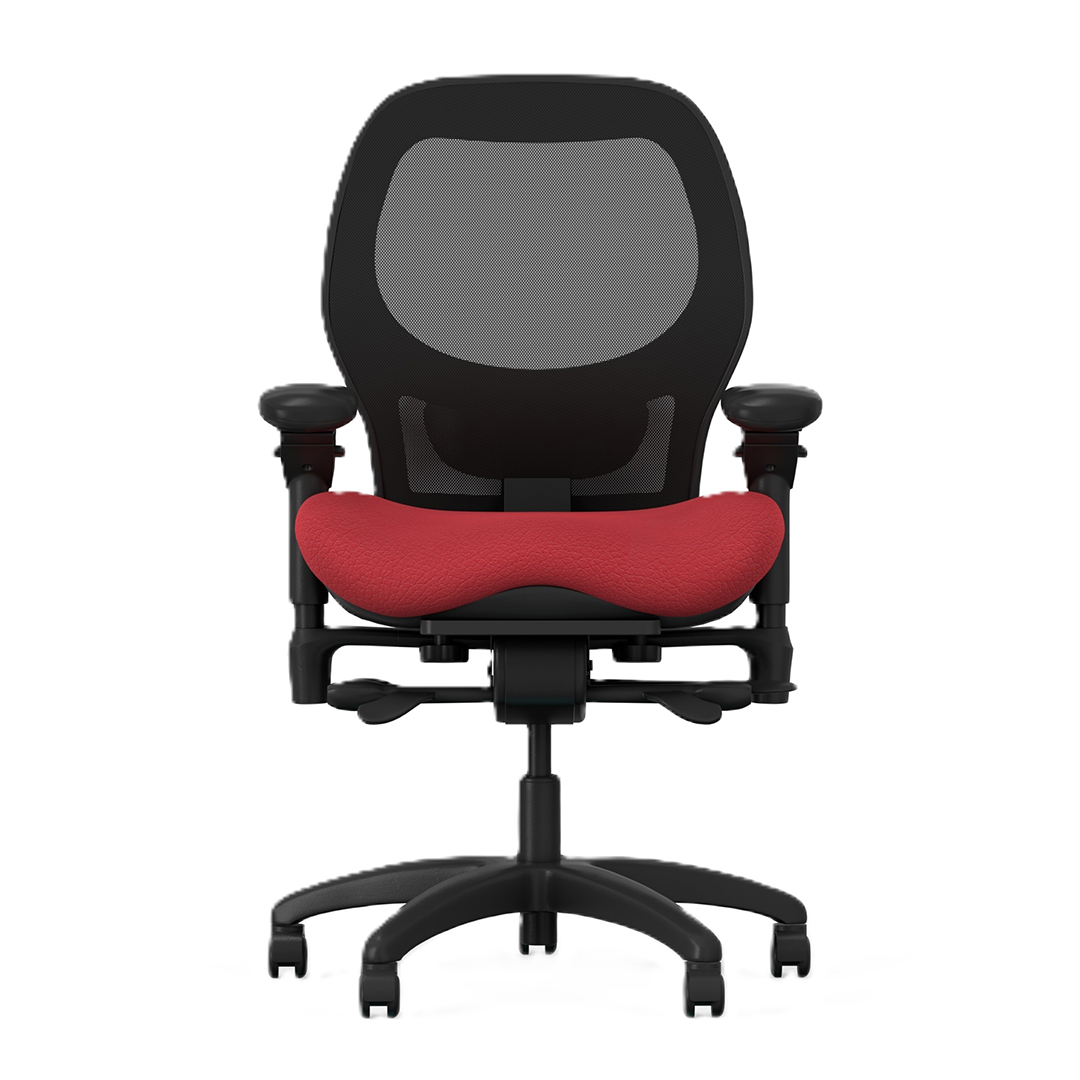
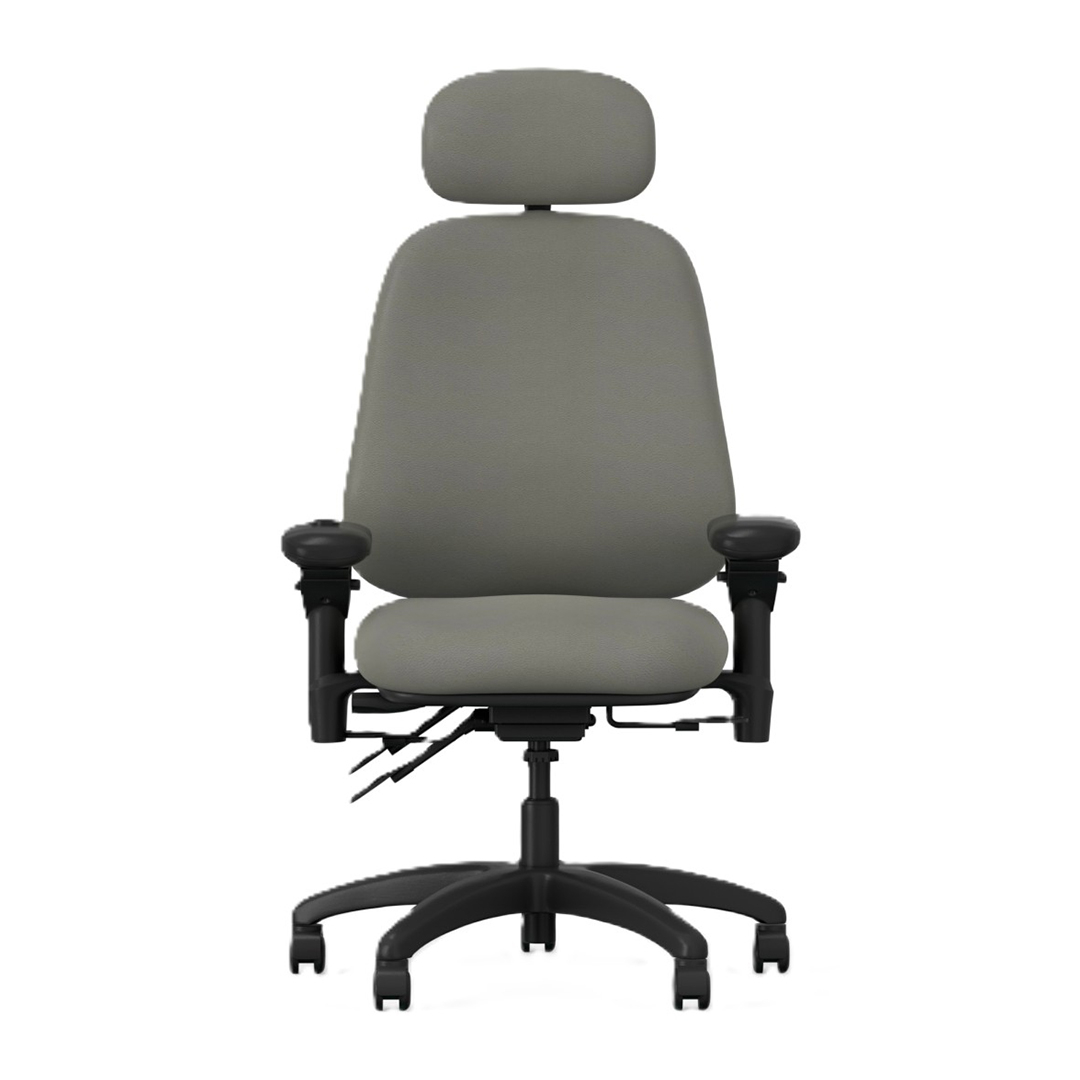
See Our Featured Products
_Comforte_Carbon_Front_1_original.jpg)

Understanding Ergonomics
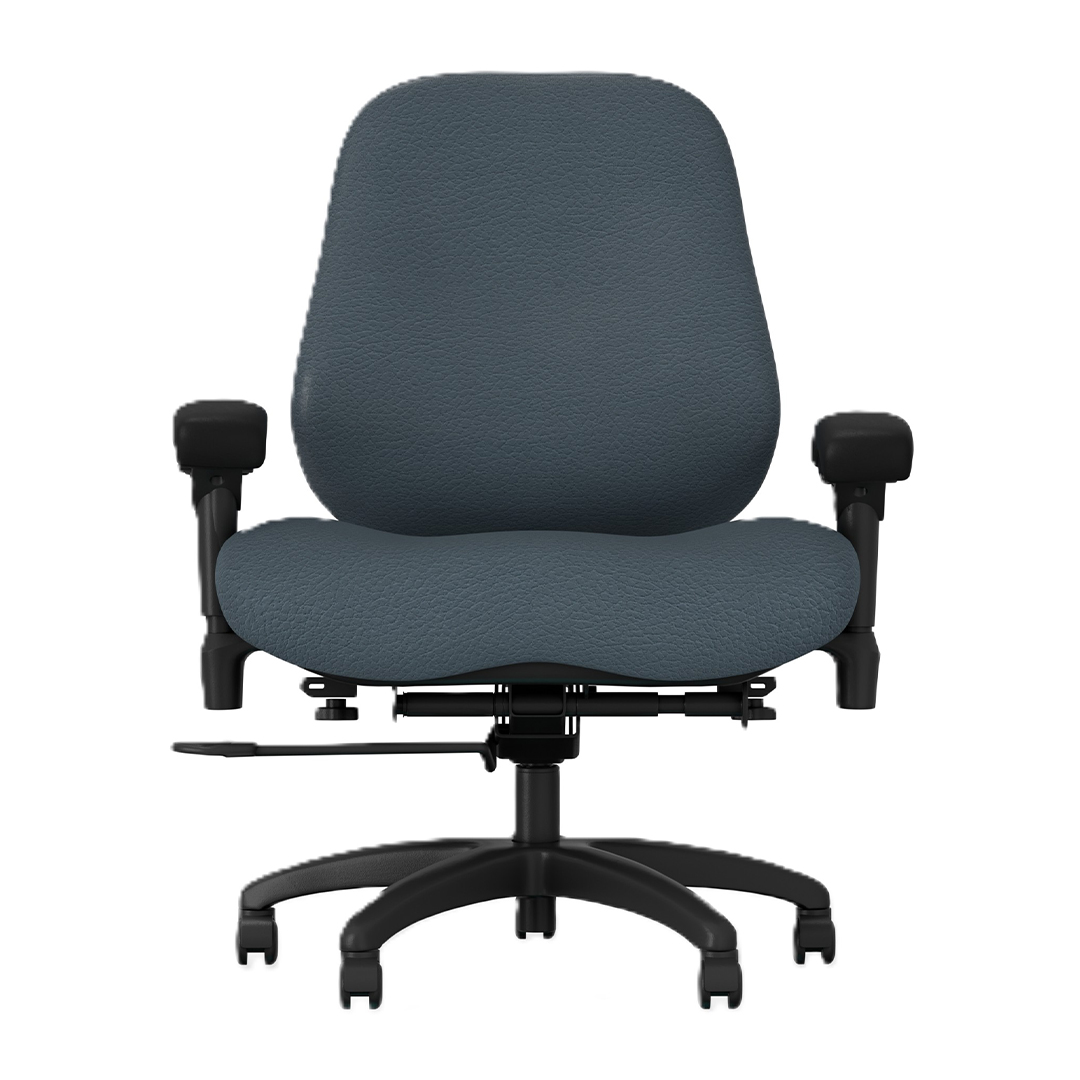
If you want to know your chair, you’ve got to know ergonomics. Ergonomics is the study and practice of properly aligning people with their tools and environments to achieve efficiency in the workplace. The goal of ergonomics is to reduce workplace stressors, including obvious physical stress. Bodybilt knows that true ergonomic seating corrects your spine, reduces slouching, reduces head-forward posture, supports your trunk, encourages proper pelvic alignment, and supports your arms. They work with human anatomy, not against it.
Ergonomic Office Chairs
You may have come across the notion that humans are not designed for sitting. This is not true. The human body is well-equipped for the right chair. Our pelvis even has bones designed to support our body weight while sitting. However, the body can struggle to sit for hours at a time. Sitting for extended periods can cause joint pain, repetitive stress injuries, breathing difficulties, respiratory issues, digestive issues, headaches, and more.
BodyBilt designs with this modern dilemma, and your body, at the forefront of our products. Our human-first features keep your posture in line, even with hours of seated work ahead of you.
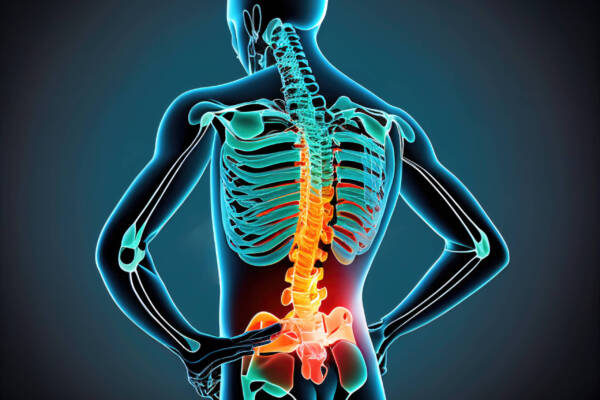
Supports the Spine
Most standard office chairs are built with a straight backrest. Conversely, our spine has a natural S-shaped curve that supports balance and movement throughout the day. The lower portion of that curve, known as the lumbar region, curves slightly forward.
When a chair has a flat or straight back, it cannot properly support that natural shape. Over time, this lack of support can encourage slouching, cause the pelvis to tilt backward, and force the muscles in the lower back and core to work harder than they need to. These habits place unnecessary stress on the lower spine and can lead to discomfort during long periods of sitting.
An ergonomic office chair is designed to support the body’s natural alignment. By maintaining the natural curve of the spine, the chair helps keep the pelvis in a neutral position and reduces strain on the lower back. Proper spinal support allows the body, and you, to remain more relaxed and stable throughout the workday.
High-quality ergonomic chairs include built-in lumbar support. This feature is essential because every person’s lumbar curve is slightly different. While everyone has an S-shaped spine, the depth and position of the lumbar curve varies from one individual to another.
For that reason, lumbar support should be adjustable. Many ergonomic chairs allow users to increase or decrease the amount of lumbar pressure, or to change the height of the support. These adjustments make it possible to match the chair to the natural shape of the user’s spine, ultimately improving comfort and encouraging healthier sitting posture.

Supports the Arms
Many people focus on spinal alignment when choosing an ergonomic office chair, and that attention is well placed. Proper support for the spine helps maintain posture and reduces strain during long hours of sitting. However, the spine is only one part of the body that benefits from ergonomic support. The position of your arms and shoulders also plays a major role in overall comfort at a workstation.
When you stand naturally, your arms rest comfortably at your sides with your shoulders relaxed. A well-designed ergonomic chair helps recreate a similarly relaxed position while you are seated. Adjustable armrests provide a place for your arms to rest while you type, write, or use a mouse. Supporting the arms in this way reduces tension in the shoulders and neck, which can otherwise build up during extended computer use.
Work tasks can change throughout the day, and arm positioning often changes with them. The posture you use when typing may be different from the posture you use when reviewing documents, participating in meetings, or using a phone. A high-quality ergonomic chair allows you to adjust armrest height, width, and positioning so that your arms remain supported as your tasks shift. This flexibility helps maintain proper alignment through the shoulders and upper back while allowing you to move comfortably between different activities; all without ever needing to change chairs.

Supporting the Rest of the Body
For typing and other traditional desk work, the ideal seated position places your feet flat on the floor with your hips and knees bent at roughly 90 degrees. This posture helps distribute weight evenly through the seat and keeps the spine in a stable, neutral position. When your lower body is properly supported, the muscles in your back and core do not have to work as hard to keep you upright. That can make a noticeable difference in comfort during long periods of sitting.
At the same time, not every task requires the exact same posture. Some people prefer to lean back slightly when reading, reviewing documents, or watching a screen that sits higher than eye level. Gamers, for example, often recline because their displays are positioned above their natural line of sight. A chair that allows controlled reclining can support these positions while still maintaining proper alignment through the back and hips.
Ergonomic seating is designed to accommodate these variations. Features such as adjustable recline mechanisms, supportive headrests, and optional footrests allow users to shift positions throughout the day without sacrificing support. The goal is not to lock the body into a single posture, but to provide a range of supported positions that work with the way people actually sit and work.
Simply put, when the entire body is supported, we allow something other than our back to handle the pressure and weight of prolonged sitting. This level of support makes it easier to stay focused, productive, and comfortable no matter how your tasks evolve during the day.
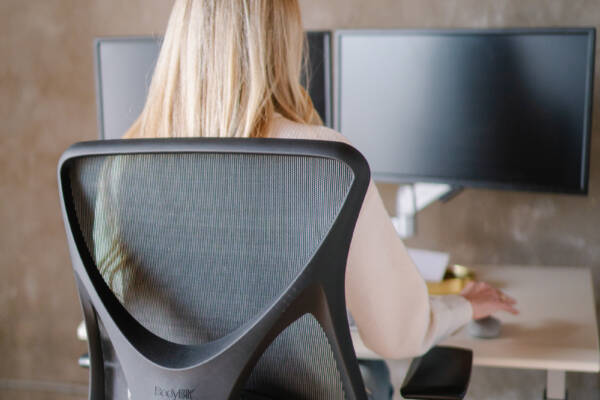
Breathability
The materials used in an office chair can have a significant impact on your comfort. Notably, temperature regulation is often overlooked, yet it plays a very important role in how comfortable a person feels while sitting for extended periods. The right chair material can help maintain a comfortable environment by either retaining warmth or allowing airflow; depending on the user’s preference.
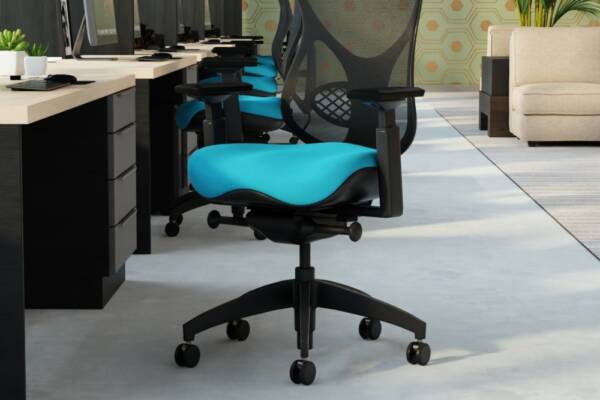
In cooler office settings, materials such as leather or upholstered seating can be a good option. These materials tend to retain body heat and can create a warmer seating experience. For workplaces in warmer climates or offices that typically run warm throughout the day, breathable materials like mesh can provide better airflow. These mesh backrests allow air to circulate between the user and the chair, helping to reduce heat buildup and maintain a more comfortable seating surface.
Temperature comfort also varies from person to person. For example, some employees may experience temperature sensitivity due to factors such as menopause or perimenopause. Hot flashes can cause sudden increases in body temperature that make heat-retaining materials feel uncomfortable very quickly. In these cases, seating that promotes airflow can make a noticeable difference in daily comfort.
Providing breathable seating options can help accommodate a wider range of comfort needs within a workplace. Chairs designed with mesh backs or ventilated materials help regulate temperature, reduce heat buildup, and support a more comfortable environment for employees throughout the day.

Adjustable
Most people perform several different tasks throughout the workday, which means their seating position may need to change as their work changes. The ability to fine tune your chair helps ensure that your body remains properly aligned whether you are typing, reading documents, or participating in meetings.
When choosing an ergonomic chair, it is important to consider the range of activities you perform during the day. The more adjustable the chair is, the easier it becomes to adapt the seating position to match each task. These adjustments allow users to personalize their chair for their body type and working-style while maintaining proper support.
With an adjustable chair, you can typically modify several key elements, including:
- Seat height
- Seat depth
- Armrest width, height, and angle
- Lumbar support position and pressure
These adjustment points make it possible to create a seating setup that supports the spine, shoulders, and lower body while also allowing comfortable movement throughout the day.

Responsive
So yes, adjustability is an important feature in any ergonomic chair, but it does not have to require constant manual changes every time your posture shifts. Ideally, a chair should move with you as you work. Responsive seating allows the chair to adapt naturally to small movements and posture changes throughout the day without requiring frequent adjustments.
Features such as smooth-rolling casters, flexible materials, swiveling bases, and controlled tilt mechanisms help the chair respond to the user’s natural range of motion. Supportive padding and responsive backrests also allow the body to shift comfortably while maintaining proper alignment. Together, these elements help the chair provide continuous support as you lean, reach, or reposition during different tasks.
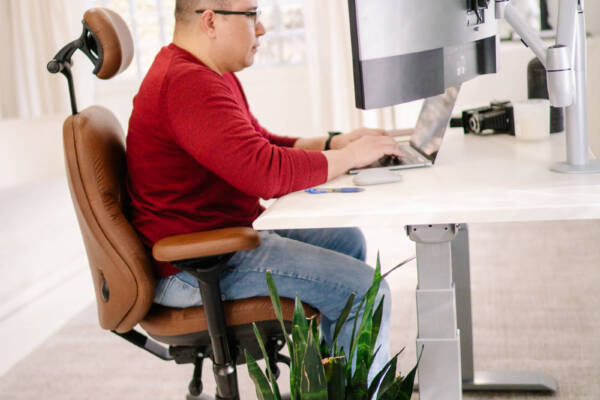
Location
Your workspace environment can influence the type of office chair that works best for you. Earlier, we discussed how ambient temperature can affect material choices such as leather or mesh. The setting where the chair will be used also plays a role. In many office buildings, floors are typically hard surfaces or low-pile commercial carpet designed to handle heavy furniture and frequent movement. At home, the flooring may be very different. Plush carpeting, hardwood floors, or other decorative surfaces may require additional consideration when choosing a chair.
When selecting a chair for a home office, it is important to think about the type of casters or wheels the chair uses. Some casters are better suited for thick carpet, while others are designed to roll smoothly on hard surfaces without scratching or damaging the floor.
A home office also introduces factors that are less common in traditional workplaces. Appearance often becomes more important because the chair is part of a personal living space. A large leather executive chair may look impressive in a corporate office, but it can sometimes feel oversized in a smaller home office environment. Texture can also matter if pets share the space. For example, certain materials such as leather or faux leather may attract scratching from curious cats. Keeping these practical and aesthetic considerations in mind can help you select a chair that works well both functionally and visually within your home workspace.
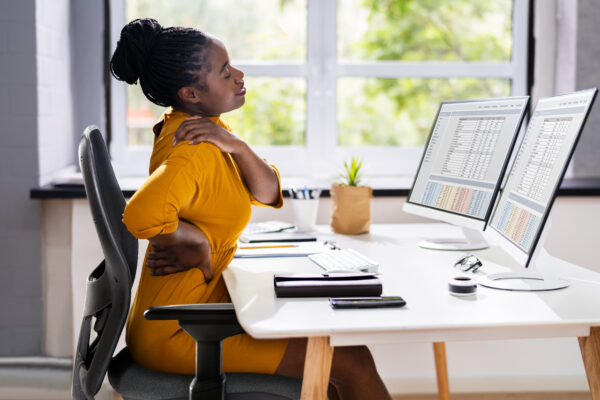
BodyBilt Offers Flexibility
No matter the reason you are searching for an office chair, BodyBilt offers seating solutions designed to support the way people actually work. Our chairs are engineered with ergonomic principles that promote comfort, alignment, and long term durability across a wide range of professional environments.
BodyBilt seating is built to be both adjustable and customizable. Investing in the right chair can have a lasting impact on productivity and well-being. BodyBilt designs seating solutions that combine thoughtful engineering, durable construction, and personalized adjustment so that every chair can be tailored to the user. The result is a workspace that supports healthier posture, better comfort, and more effective work throughout the day.
Sound like something your home or office can no longer live without? Reach Out with any questions, or to start building the workspace that you deserve.